


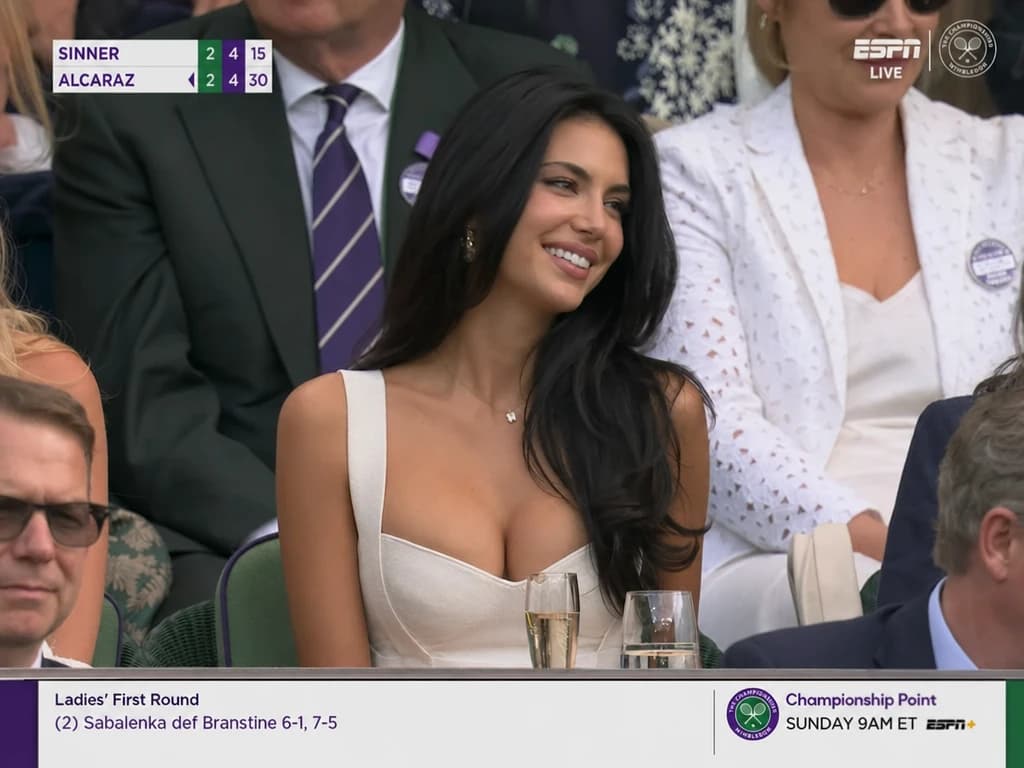
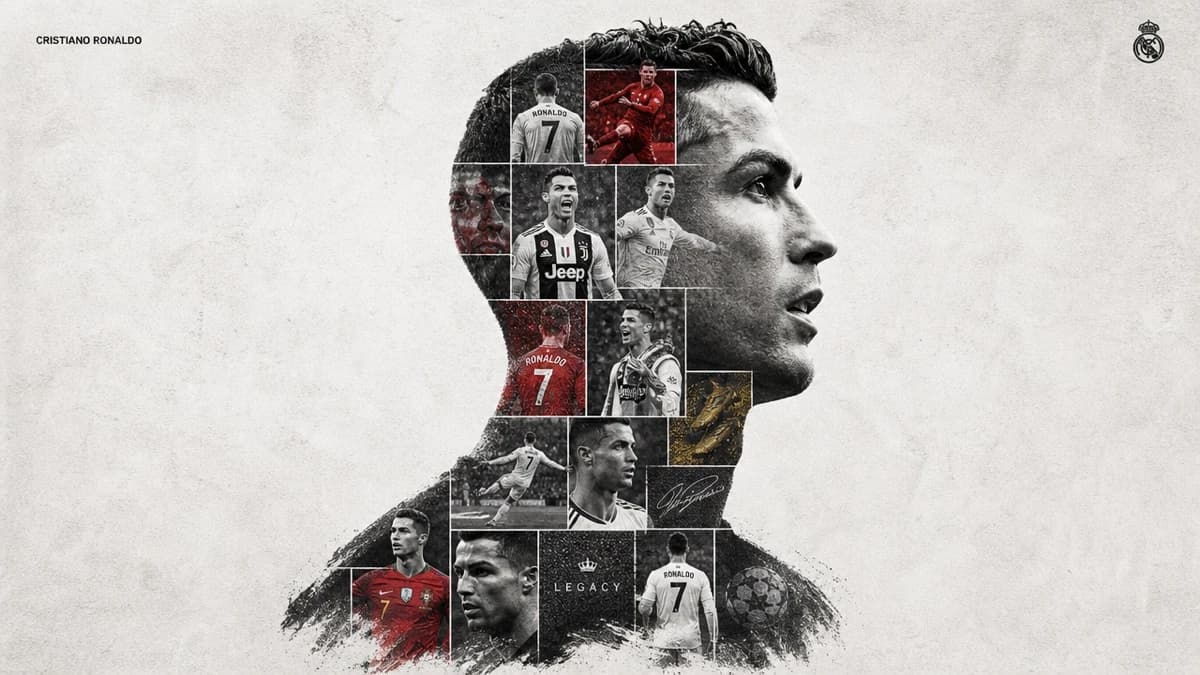
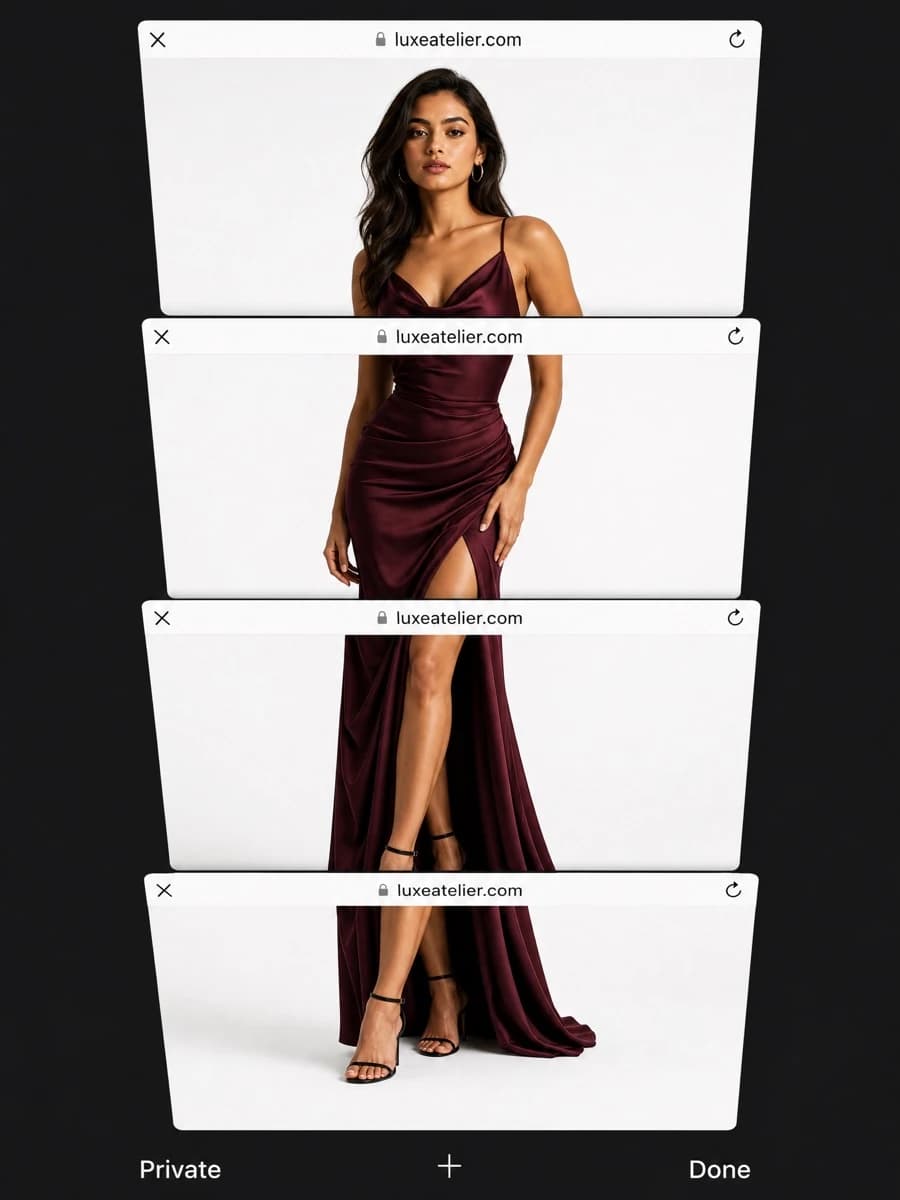

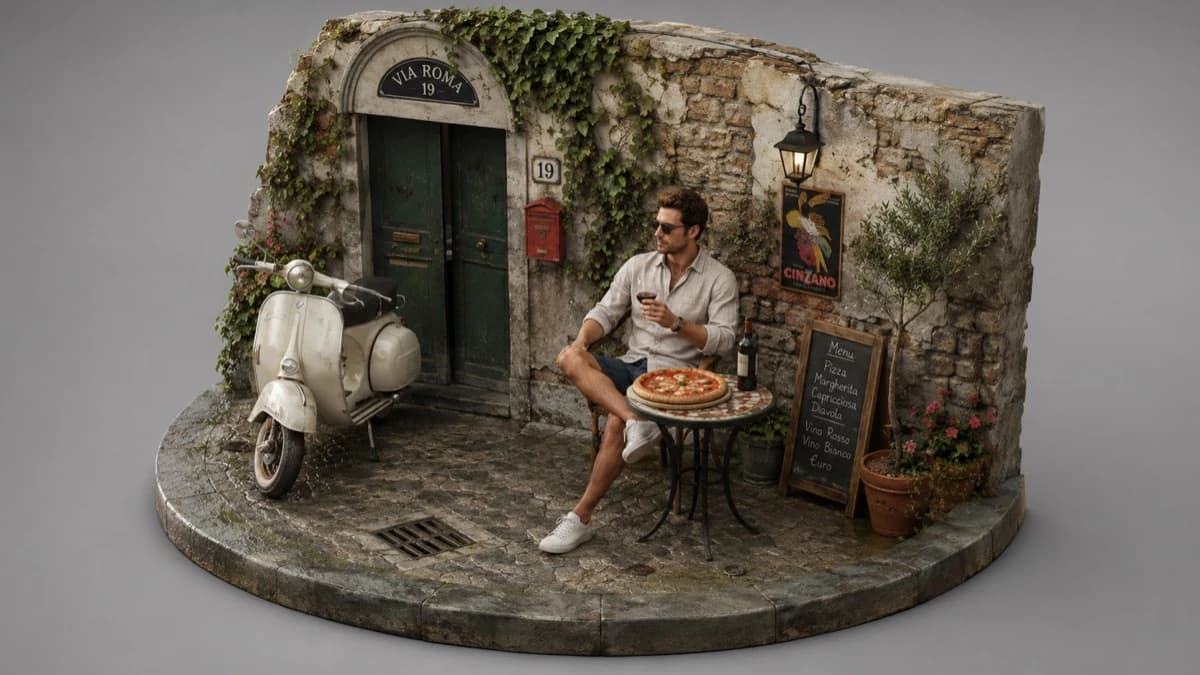


AI image generation and editing

Ideogram 4

Create logos, posters, product images, and social visuals with Ideogram 4. Explore image text and editing workflows, then open the workspace to develop your ideas.

LOGOPOSTERSADSPRODUCT IMAGESSOCIAL VISUALS

Ideogram4 Image Workspace

Text-to-image generation and reference-guided image editing.

Ideogram4 Image Workspace

Ideogram 4 Creative Generator

Updating credit quote…

1K images cost 5 credits, 2K cost 8 credits, and 4K cost 12 credits.

Available ratios follow the selected model.

769 / 20000
Cost 5 creditsRemaining 0 credits
Tasks & creations
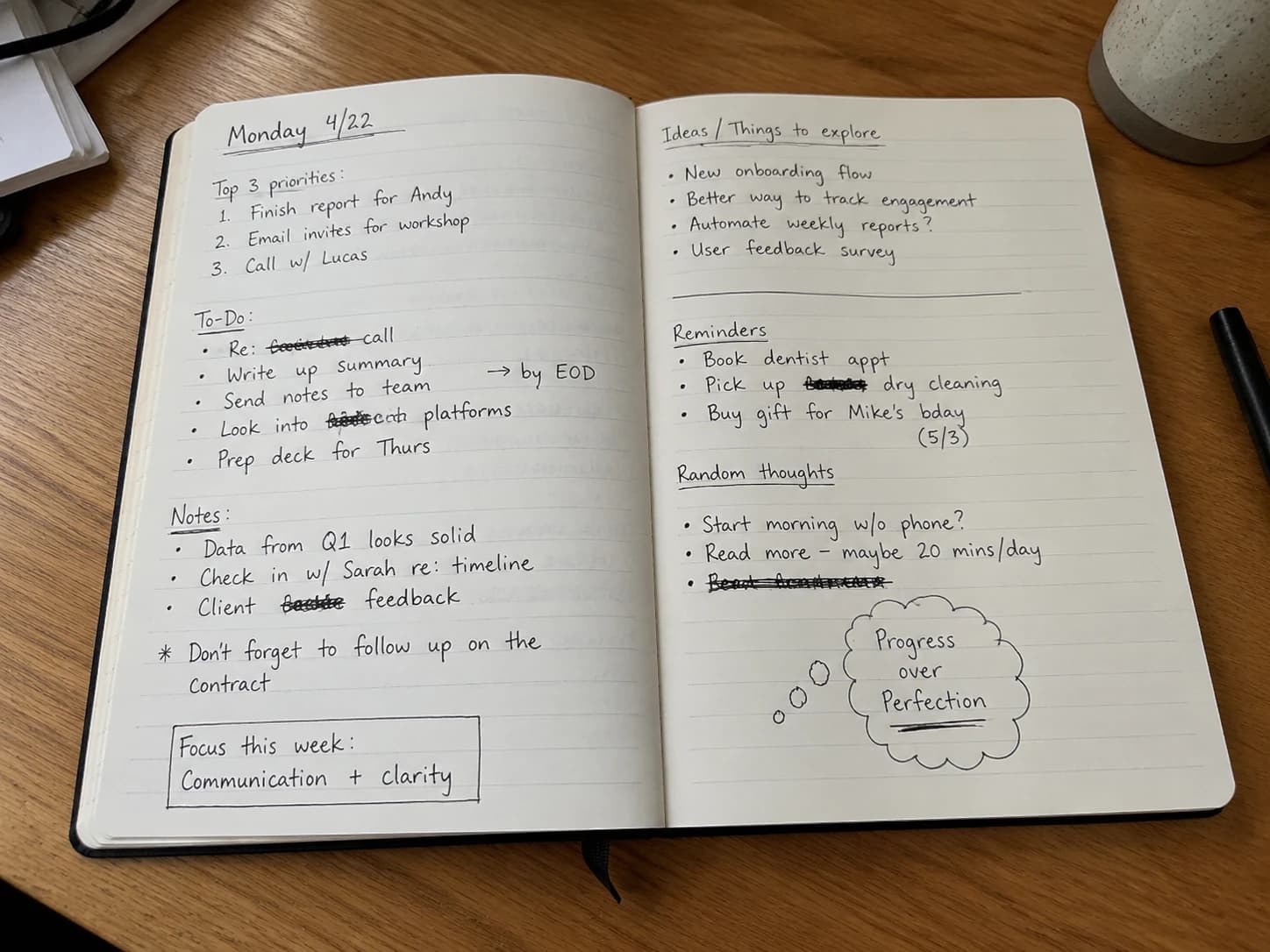
Cozy Lifestyle Morning Collage prompt preview

Cozy Lifestyle Morning Collage

Cozy autumn coffee portrait and warm reading setup with white doodles, handwritten notes, and a soft lifestyle collage mood.

Ideogram 4.0

Ideogram 4.0: Text and Layout Control

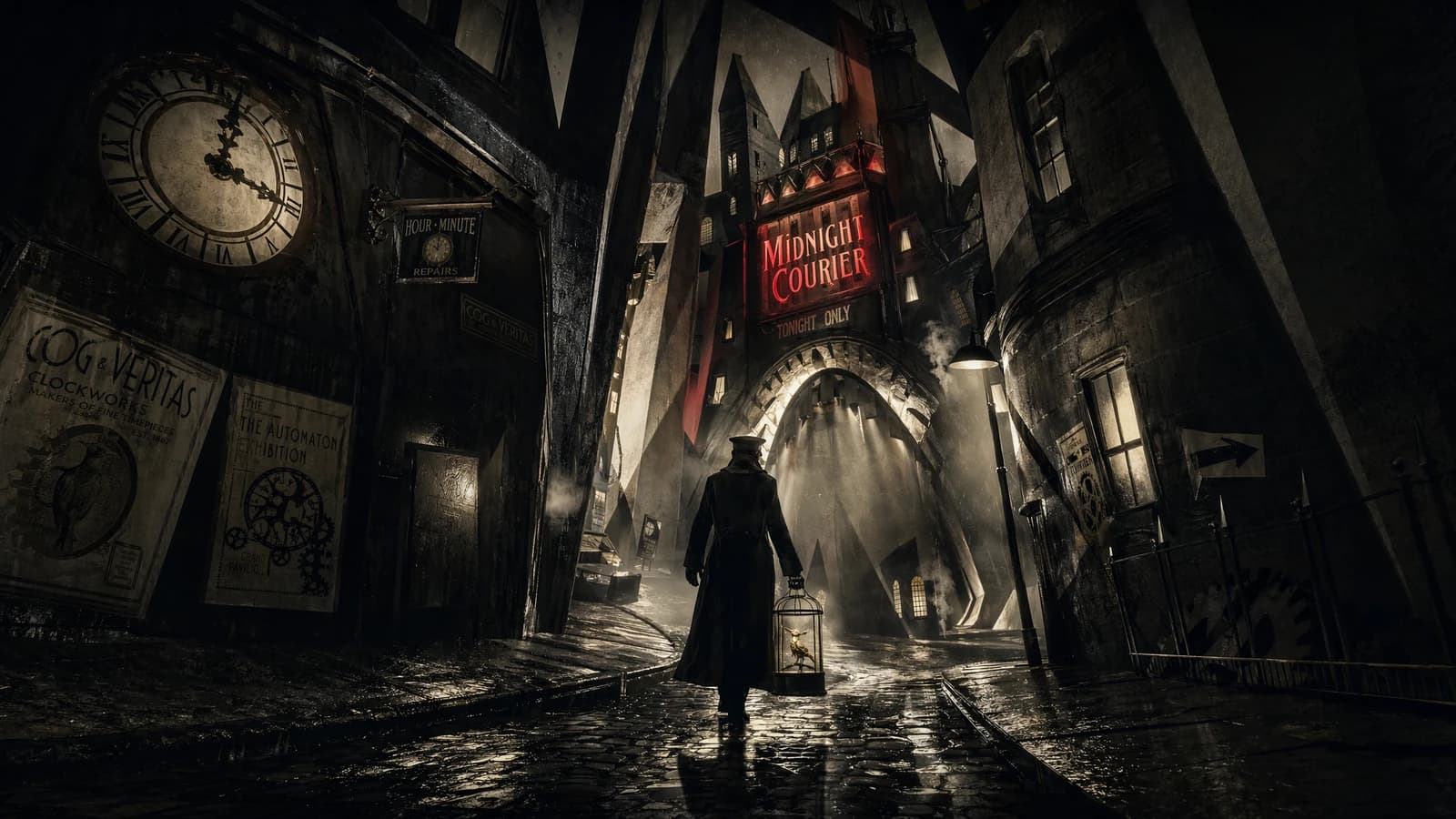
Ideogram 4.0 is built for real design production, helping you create logos, posters, ad images, product visuals, social media assets, and brand materials from text prompts. It is not just for inspiration images; it helps outputs feel closer to usable design assets.

Photos
Designs

Use cases

Typical use cases for Ideogram 4.0

See how Ideogram 4.0 helps logos, posters, ad images, and product visuals move into the design stage faster.

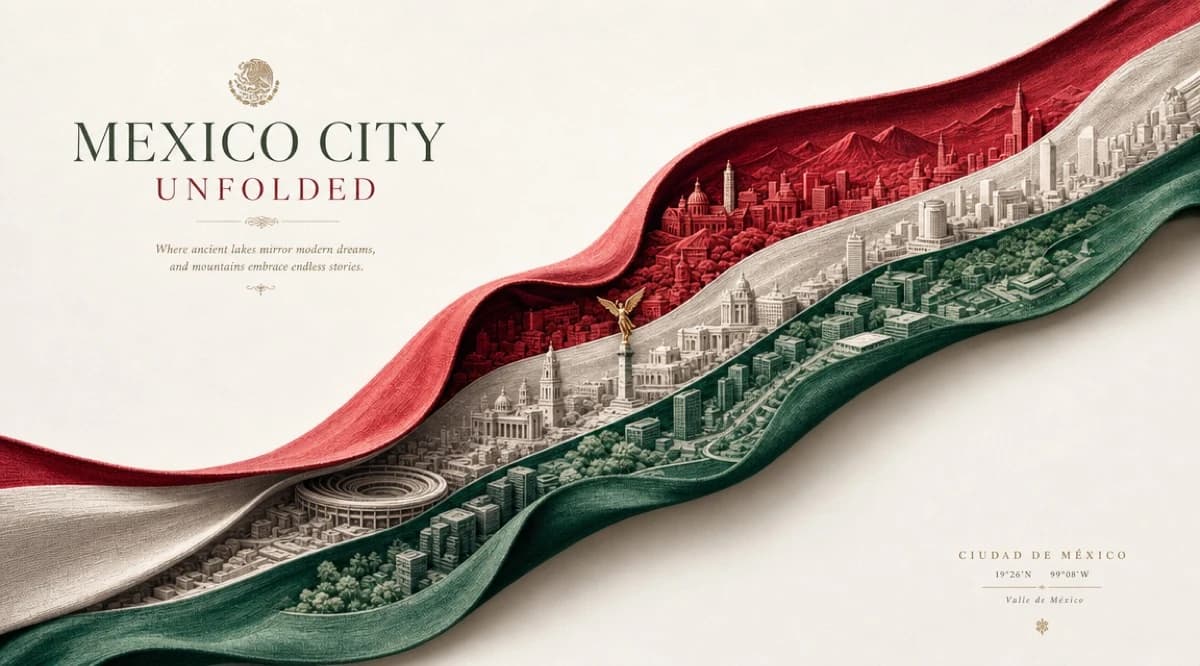
Ideogram 4.0 Mexico City unfolded ribbon brand poster example
01

AI Logo and Brand Design

Use Ideogram 4.0 to quickly generate logo concepts, brand wordmarks, graphic symbols, and visual identity directions. Describe the brand name, industry, type style, color mood, and visual direction to get several brand design options that can keep evolving.

Start Logo Generation
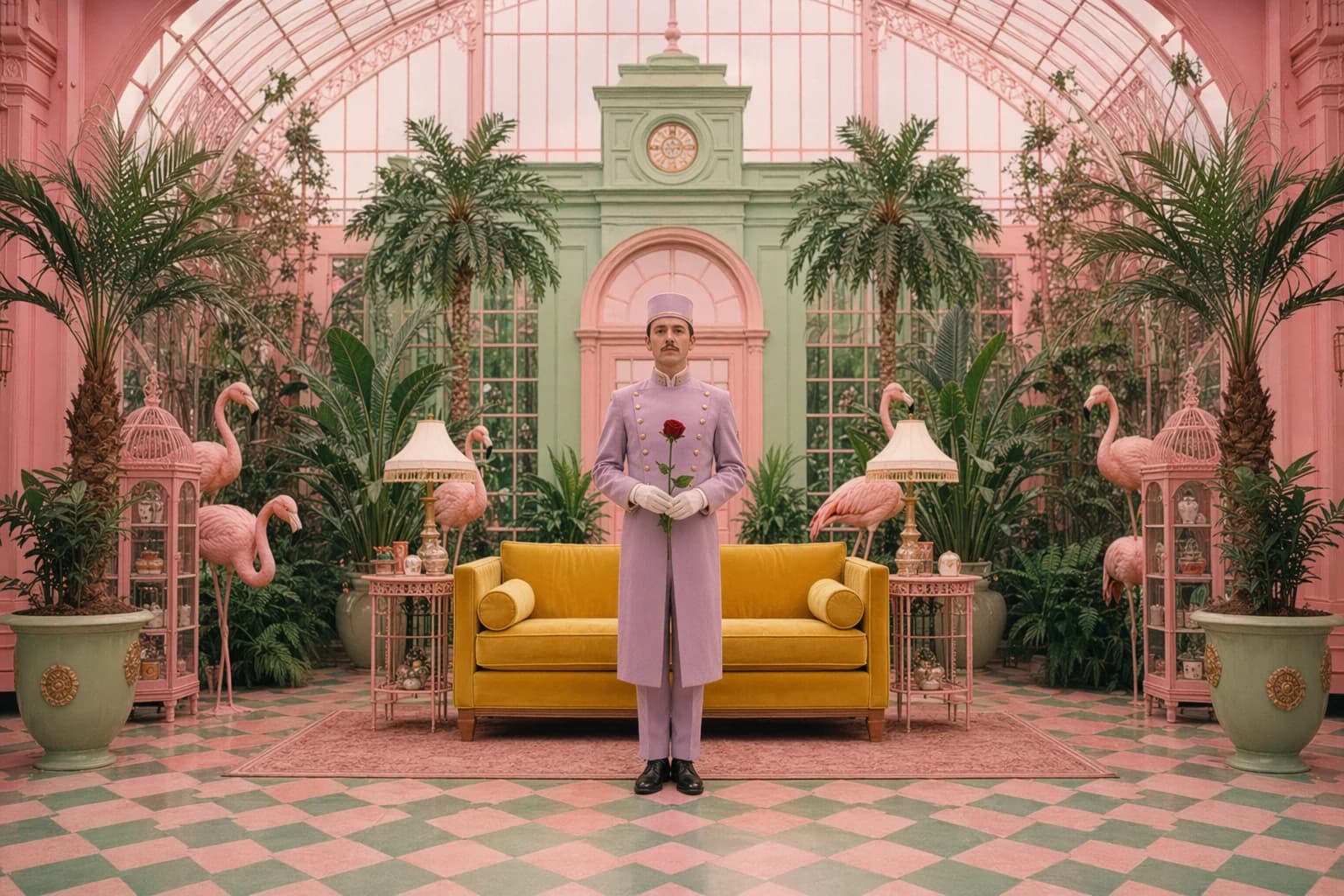
Ideogram 4.0 symmetric pastel conservatory poster and ad example
02

Poster and Ad Image Generation

Quickly create visual directions for launches, events, seasonal promotions, and social media ads. Ideogram 4.0 is better at handling titles, slogans, brand names, and layout relationships inside images, so ad visuals communicate more clearly.

Create Ad Image
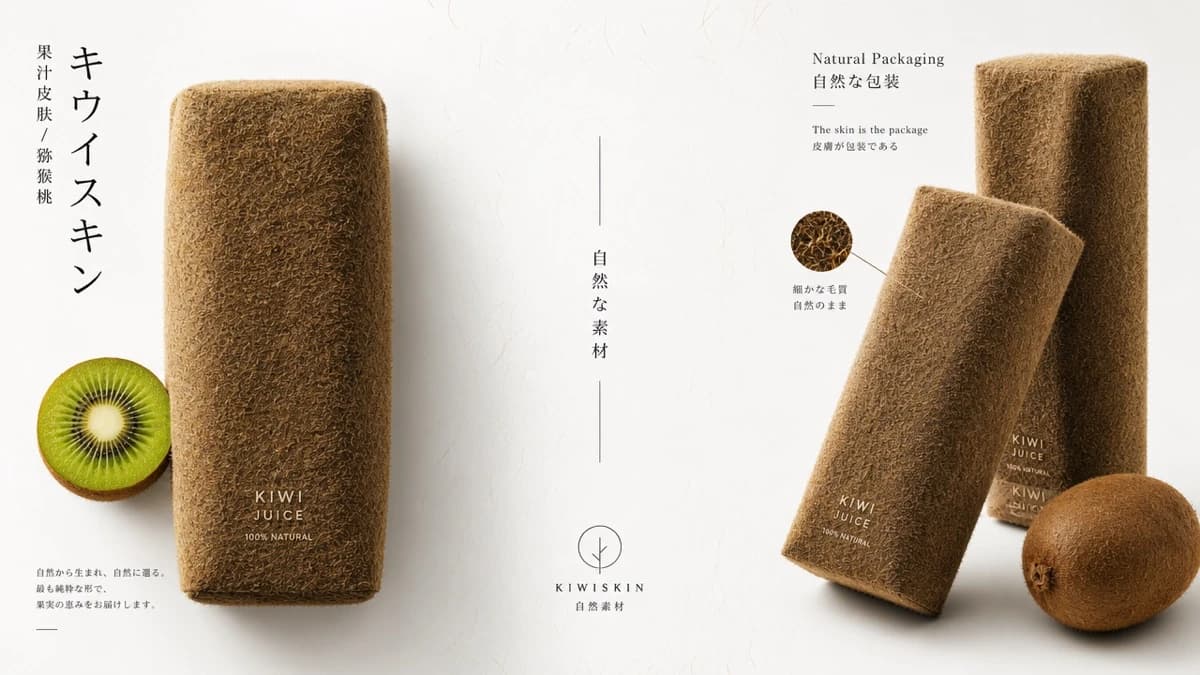
Ideogram 4.0 Kiwi Skin natural packaging product promotion example
03

Ecommerce Product Promotion

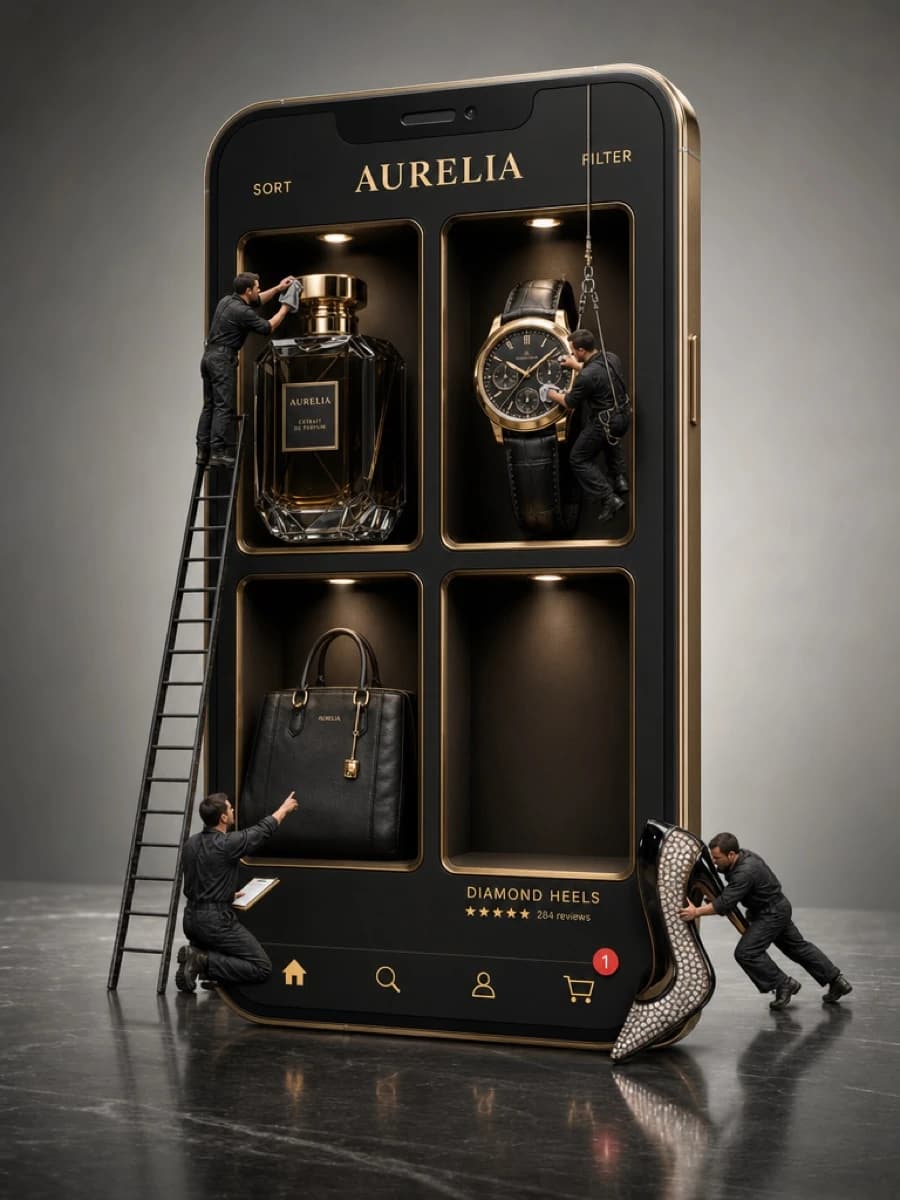
Create more attractive product displays, promotional graphics, packaging concepts, and lifestyle scenes. Describe selling points, background style, target customers, and ad mood to generate visuals for ecommerce listings and ad testing.

Generate Product Image
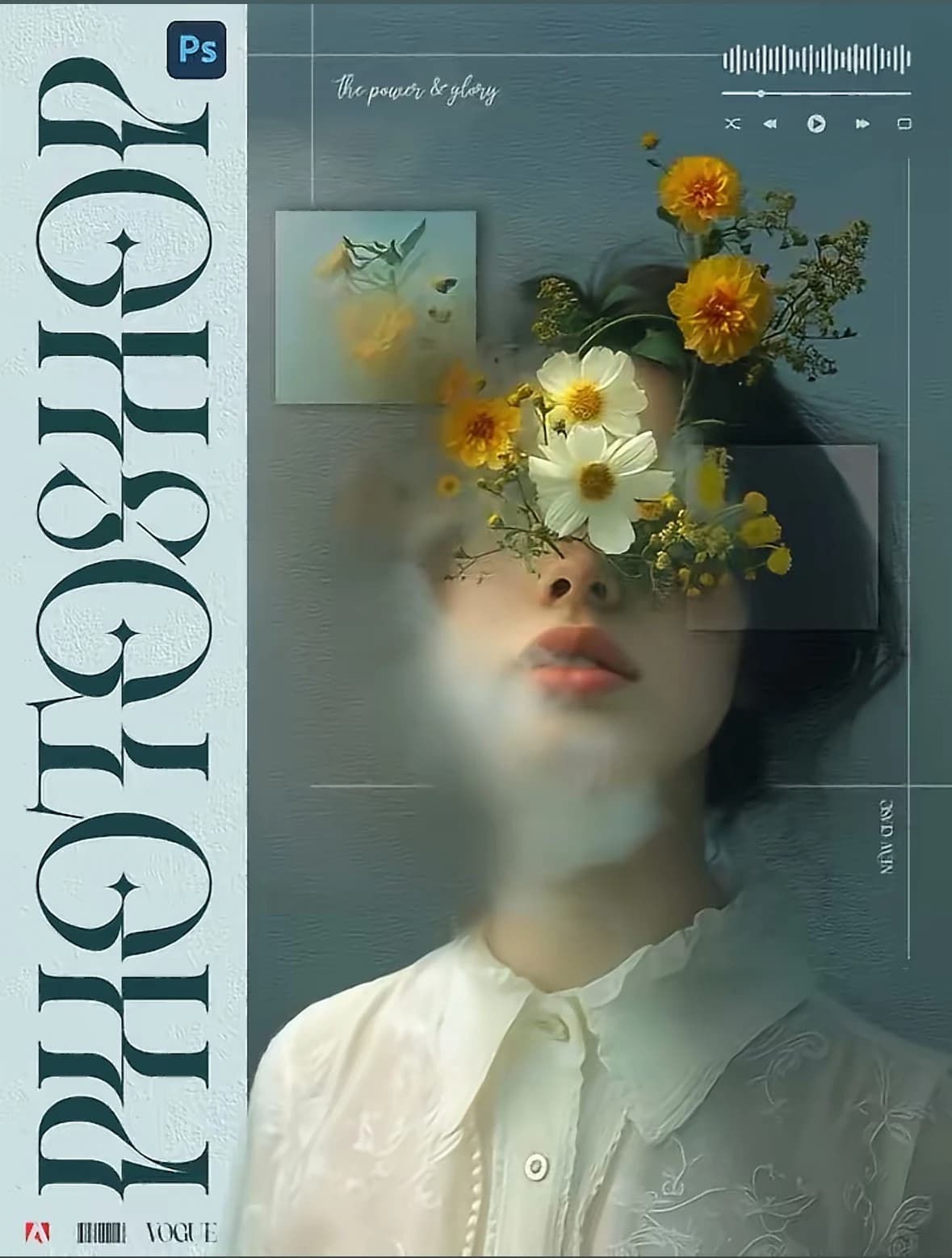
Phosis Ethereal Floral Portrait Poster

What Is Ideogram?

Create logos, posters, product images, and social visuals with Ideogram 4. Explore image text and editing workflows, then open the workspace to develop your ideas.

01

Text generation in images

Ideogram 4.0 is better suited for titles, slogans, brand names, product labels, and multilingual text inside images, making logos, posters, and ads closer to real design needs.

02

Design-level layout control

It helps build clearer visual structure around the subject, text, product, background, and whitespace, producing images with stronger hierarchy and a more stable focal point.

03

Commercial visual workflow

Generate multiple visual directions from one prompt for brand proposals, ad testing, product displays, social content, and later design refinement.

How it works

From text prompt
to usable design image.

01

Choose a creation scenario

Decide whether you are creating a Logo, poster, ad image, product visual, social cover, POD graphic, or brand visual.

02

Enter an Ideogram prompt

Describe the subject, text, type style, color, composition, use case, aspect ratio, and visual mood.

03

Generate design images

Review text, layout, subject, style, and commercial usability while exploring multiple visual directions.

04

Keep refining the result

Adjust the prompt, improve text, test styles, refine the composition, then finish in Photoshop, Figma, or Illustrator.

Ideogram 4.0 works best as a design starting point: generate multiple usable directions from text prompts first, then refine, standardize, and deliver in Photoshop, Figma, or Illustrator.

Core capabilities

Ideogram 4.0 core capabilities

Built around text generation, precise layout, style control, and commercial visual output, Ideogram 4.0 helps creators finish logos, posters, ad images, product visuals, and brand assets faster.

01

Prompt-driven design

Describe brand, product, campaign brief, visual style, and layout needs in natural language to quickly generate design directions close to the goal.

02

Clear text generation

Better suited for titles, slogans, brand names, labels, and multilingual text inside images, making logos, posters, and ads easier to read.

03

Precise layout control

Control the relationship between subject, text, product, background, and whitespace to create structured images with clearer hierarchy.

04

Commercial visual output

Useful for ecommerce product images, social covers, brand launches, marketing posters, and prompt inspiration libraries.

Ideogram 4.0 Online Generation Plans

Choose the right Ideogram 4.0 plan for logos, posters, ad images, product visuals, and high-frequency commercial visual creation.

Basic

$18.90 / month
Pay $226.80 / yearSave 37%
For everyday image and video creation.

Included

  • 18240 generation credits per year
  • Access to the image and video workflows available in the workspace
  • Annual billing is charged once for the displayed total

Billed $226.80 per year

🔥 Recommended

Pro

$24.50 / month
Pay $294 / yearSave 51%
For regular creative projects and campaign work.

Included

  • 28200 generation credits per year
  • Access to the image and video workflows available in the workspace
  • Annual billing is charged once for the displayed total

Billed $294.00 per year

Enterprise

$99.00 / month
Pay $1,188 / yearSave 23%
For larger creative workloads and teams.

Included

  • 203760 generation credits per year
  • Access to the image and video workflows available in the workspace
  • Annual billing is charged once for the displayed total

Billed $1,188.00 per year

FAQ

Ideogram 4.5 FAQ

What does Ideogram 4.5 focus on?

Precise image changes and successive editing rounds, including color, lighting, text and product photography.

Does Precise Edit always retain the input resolution?

It normally returns the input width and height. The API documents resizing for images too large for the model, so do not assume unlimited native resolution.

Can I use Ideogram 4.5 on this website?

This page is a model guide with official examples. The linked Ideogram4 workspace is independent and does not run the native Ideogram 4.5 model.

Ideogram4 Image Workspace

Text-to-image generation and reference-guided image editing.

Open image workspace