Ideogram image model
Ideogram 4.5
Precise image editing
Explore Ideogram 4.5 precise editing, multi-turn edits, text changes and product photography. See official examples, image requirements and edit modes.
Explore editsPrecise Image Editing
Change a detail while retaining the surrounding image. Precise Edit preserves unaffected pixels and supports a mask for targeted changes.
Multi-Turn Editing
Make successive edits with less drift in shape, texture and color. Review the official examples below across editing rounds.
Ideogram 4.5 Editing Examples
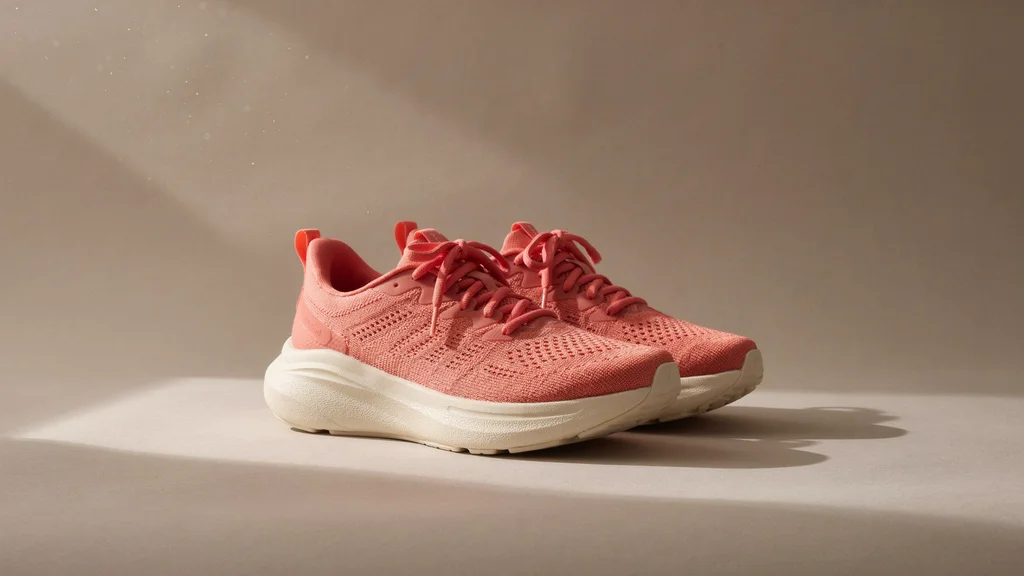
Color and Lighting
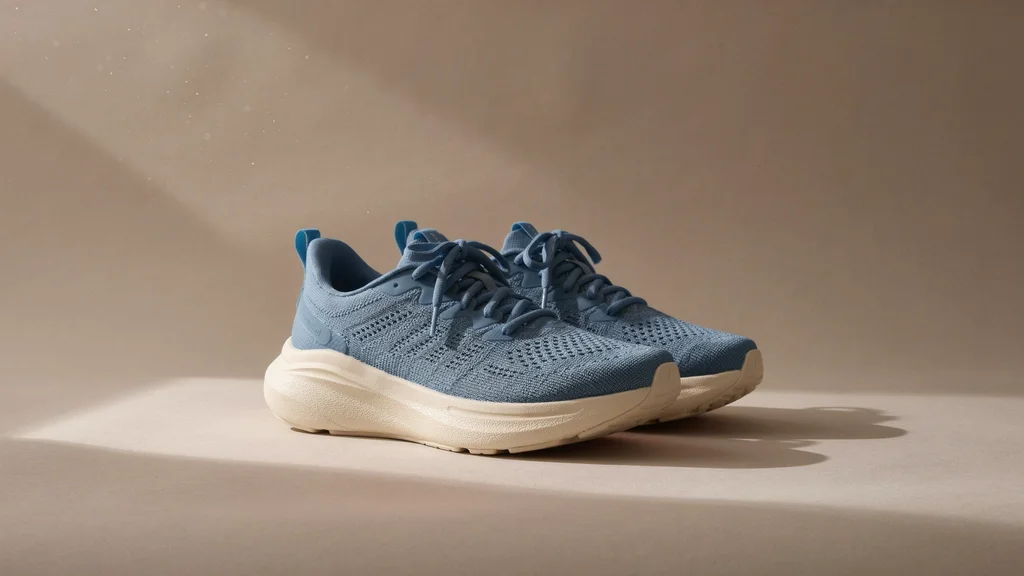
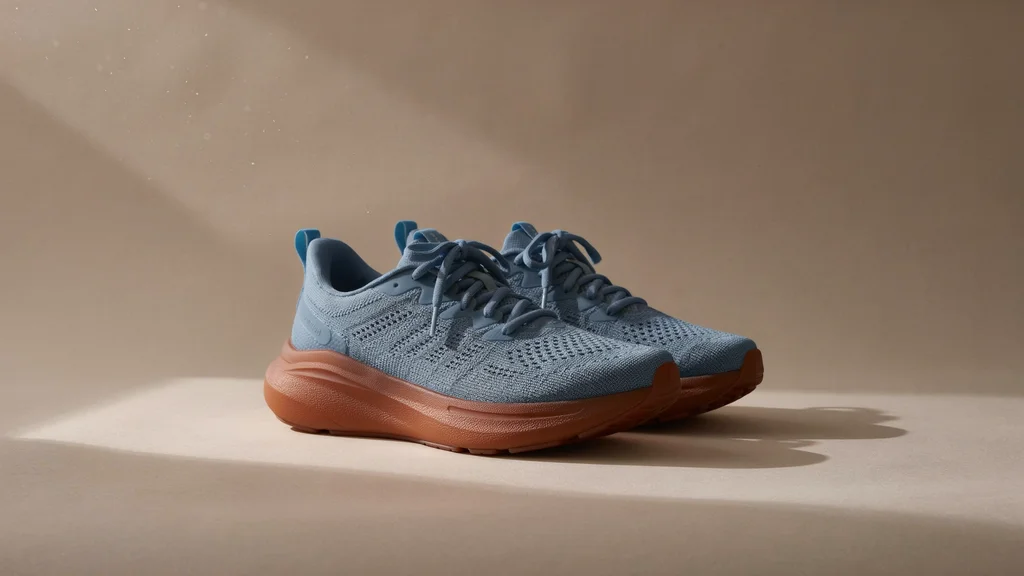
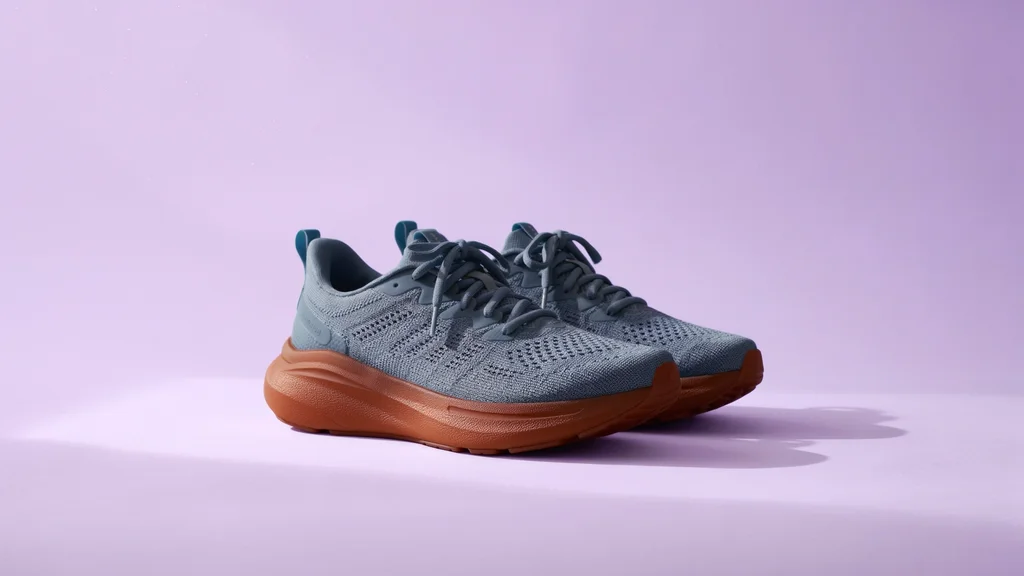
Text Modification
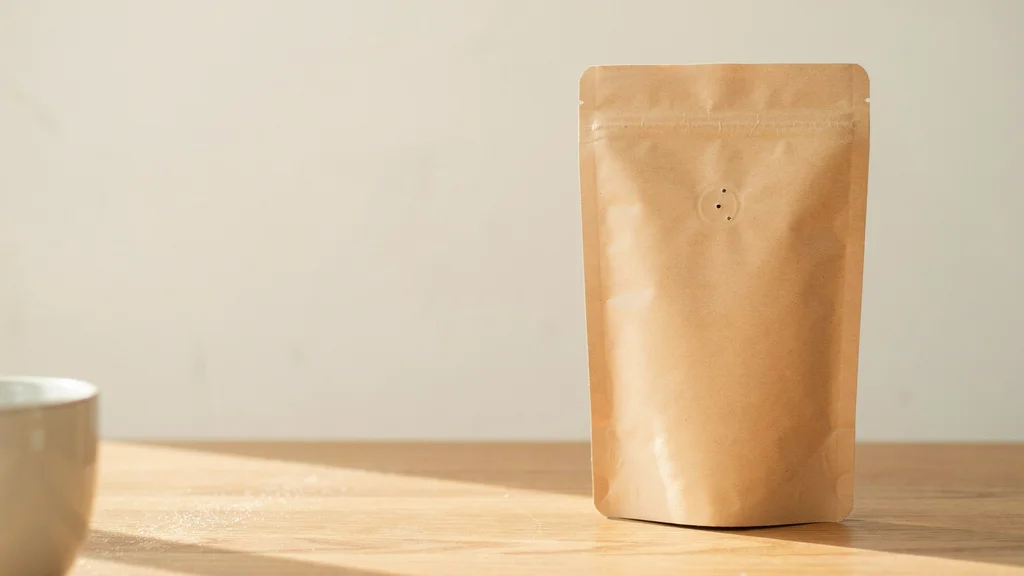
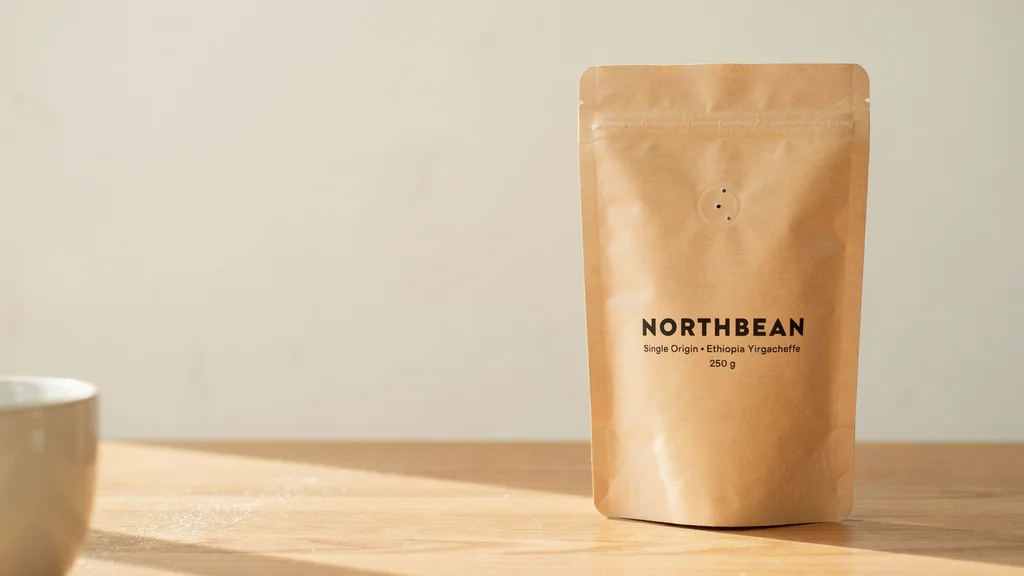
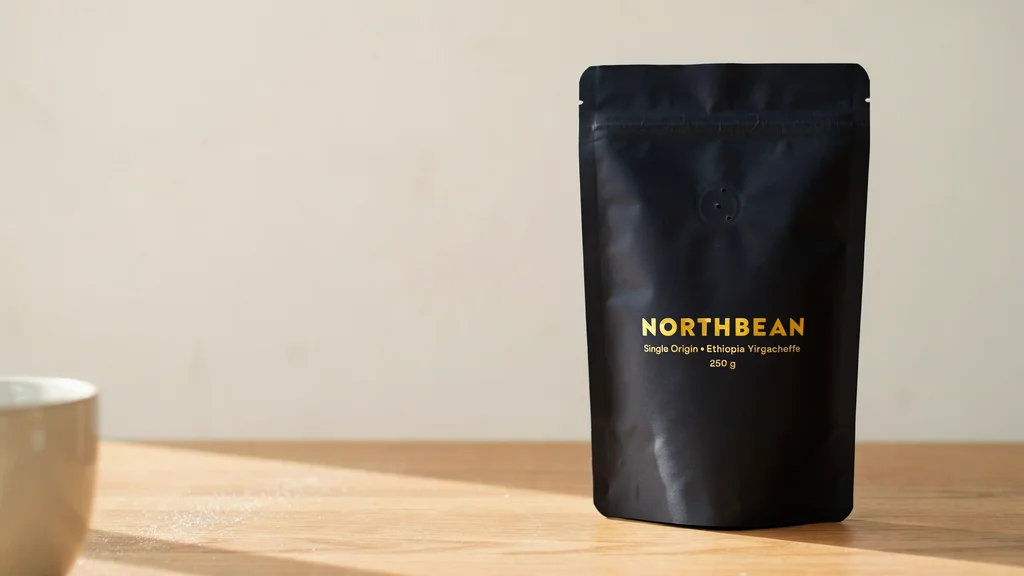
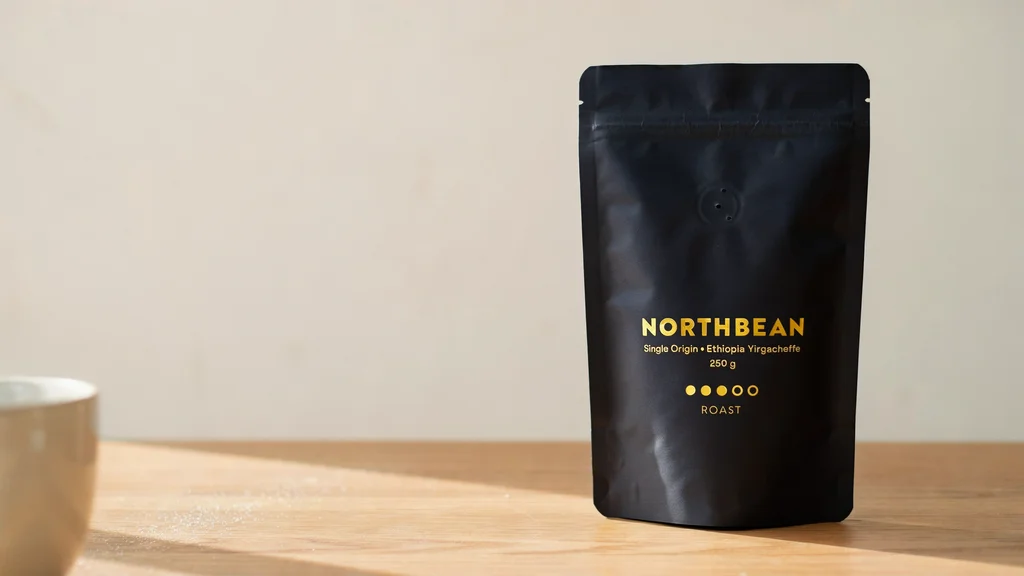
Product Photography

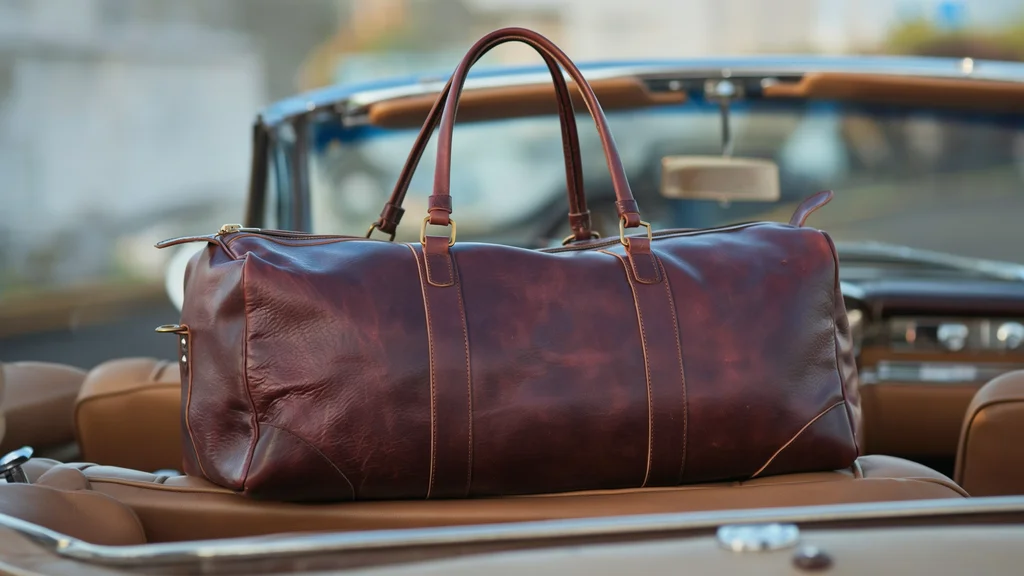
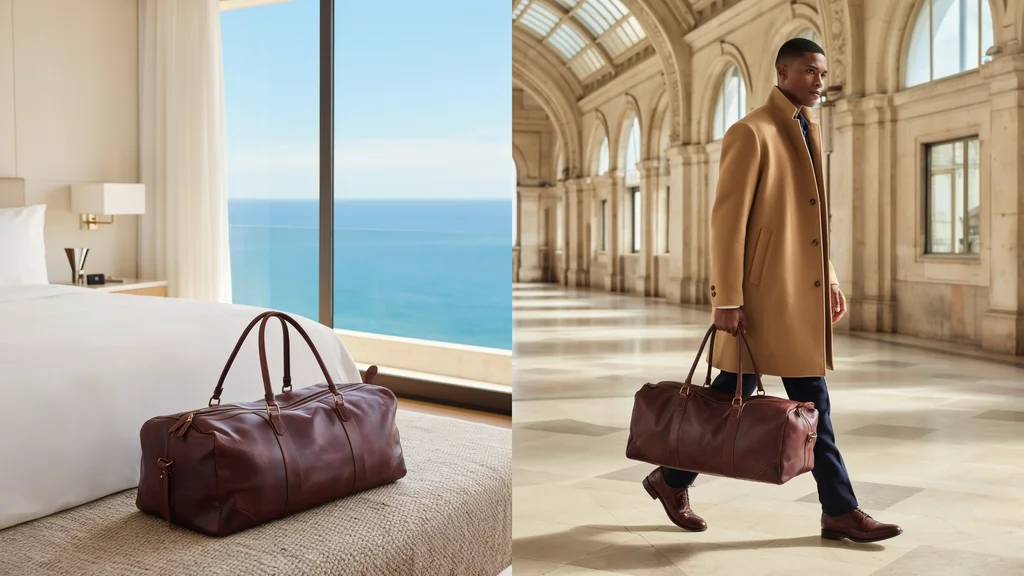
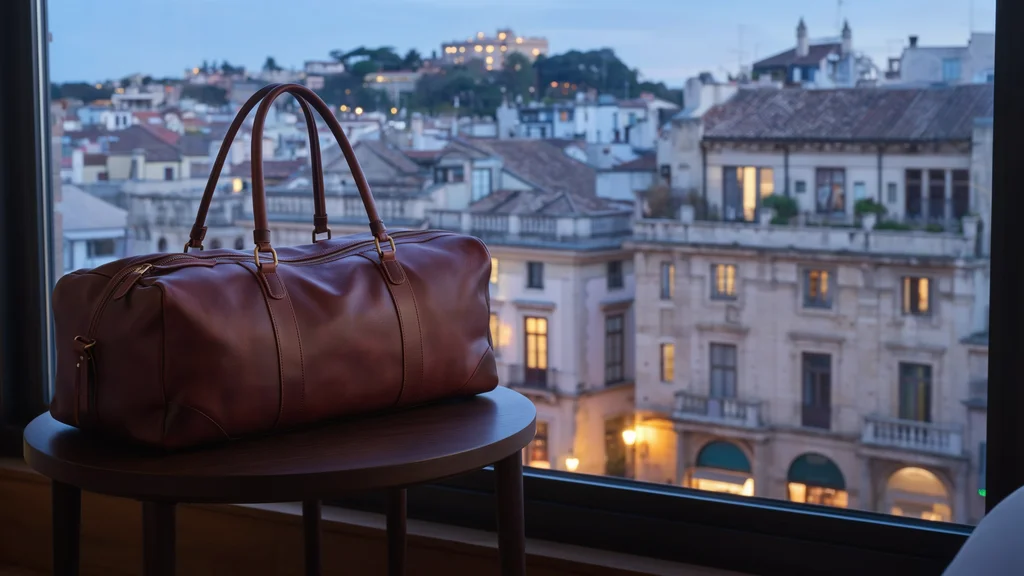
Generate and Edit
Precise Edit
Edit an existing image while keeping unaffected details. Use this mode for focused changes.
Generate + Edit
Create from a prompt or guide a new composition with reference images.
Image Size, References and Masks
- Image input
- Precise Edit accepts JPEG, PNG or WebP up to 25 MB. Very large inputs may be resized; accepted aspect ratios range from 1:6 to 6:1.
- Reference images
- Up to four references guide an edit. A masked request accepts up to three references.
- Mask
- Match the input dimensions. Black marks the area to edit; white marks the area to keep.
Ideogram 4.5 FAQ
What does Ideogram 4.5 focus on?
Precise image changes and successive editing rounds, including color, lighting, text and product photography.
Does Precise Edit always retain the input resolution?
It normally returns the input width and height. The API documents resizing for images too large for the model, so do not assume unlimited native resolution.
Can I use Ideogram 4.5 on this website?
This page is a model guide with official examples. Our linked workspace is configured for GPT Image 2.5; it does not run Ideogram 4.5.
This guide covers Ideogram 4.5. The workspace is configured for GPT Image 2.5, not the Ideogram 4.5 model. Generation requires the configured service to be available.