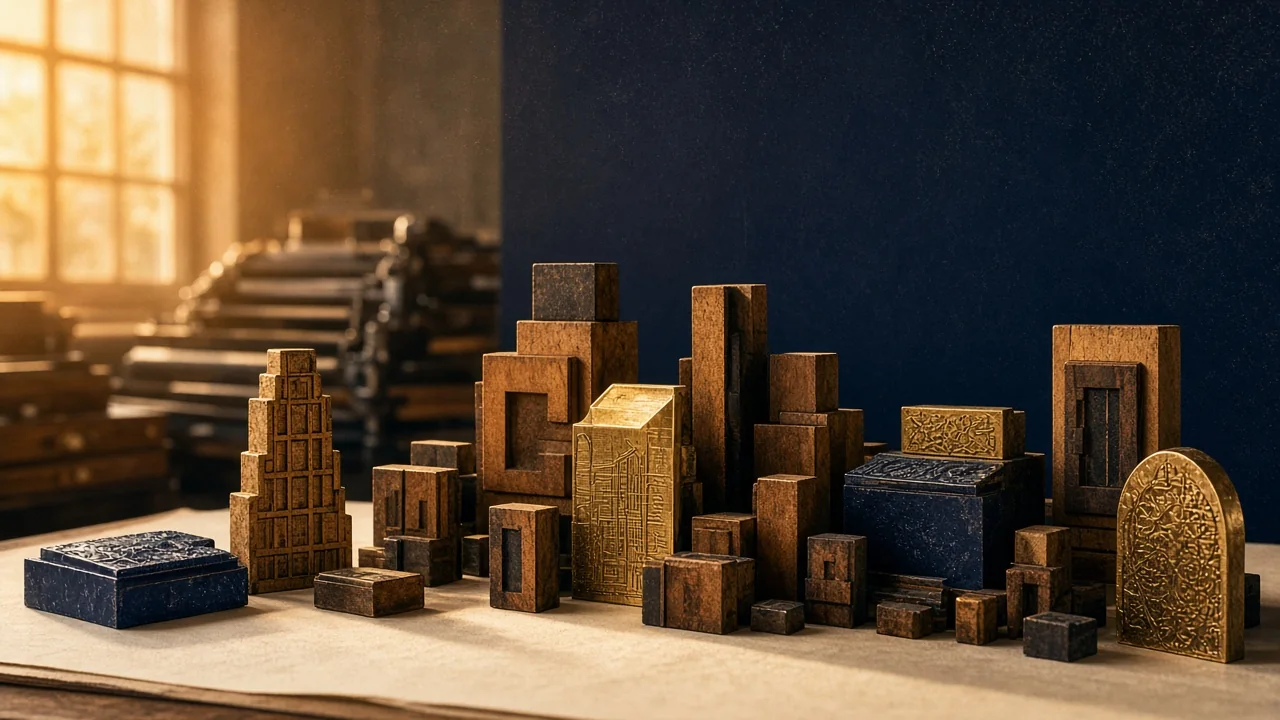
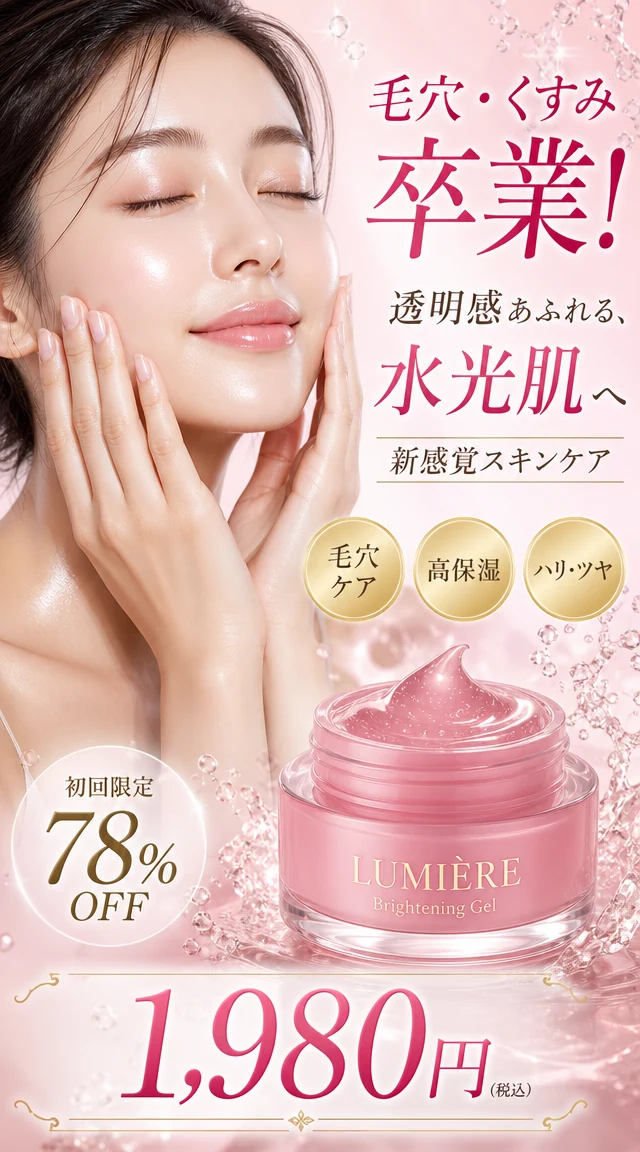
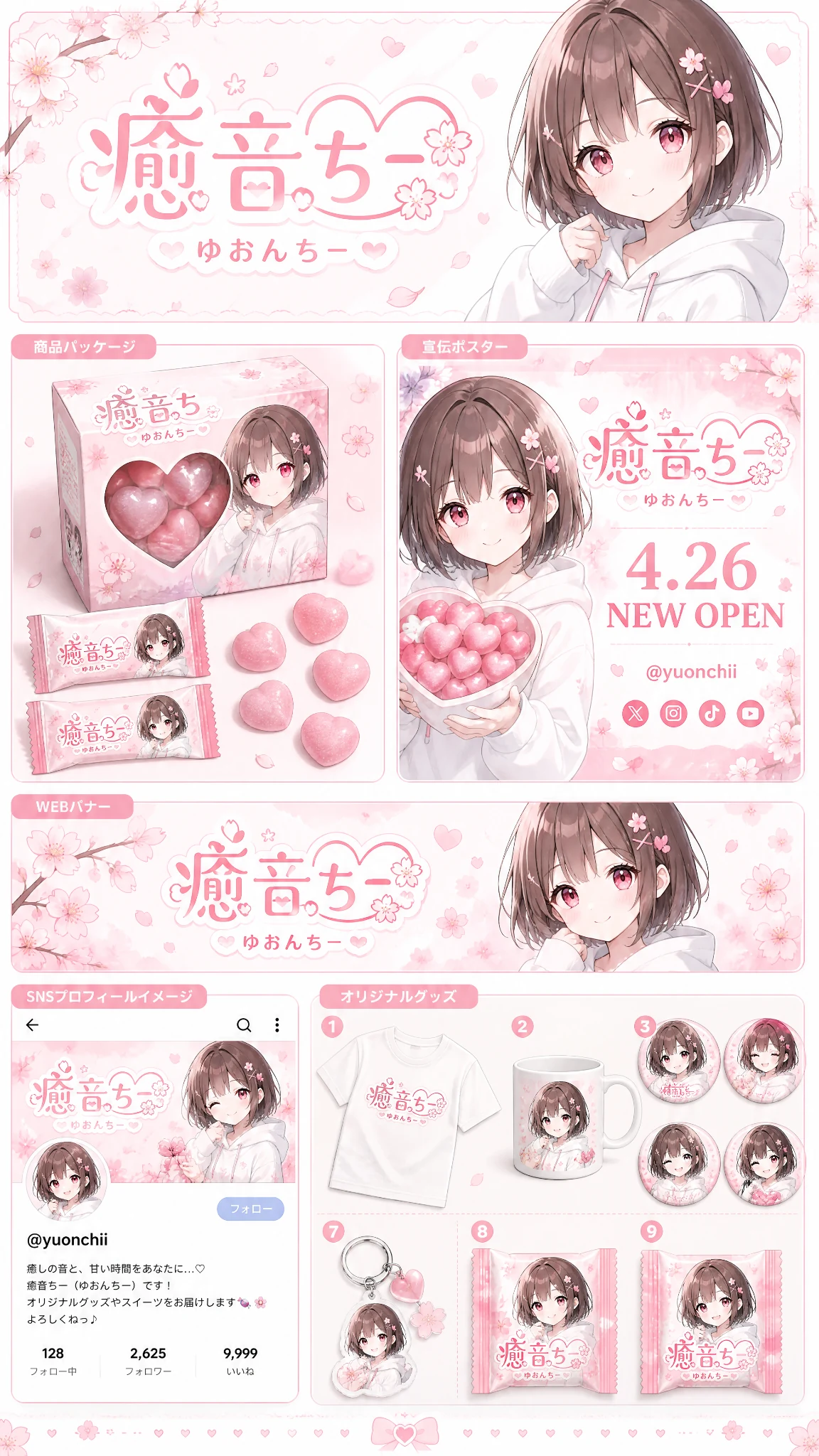
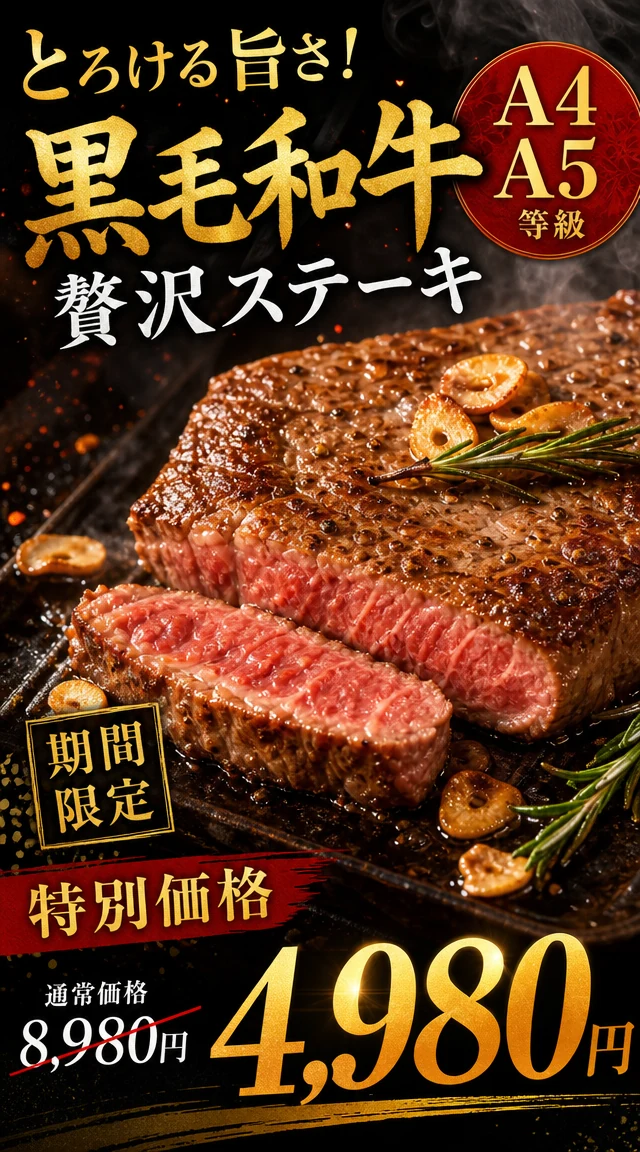
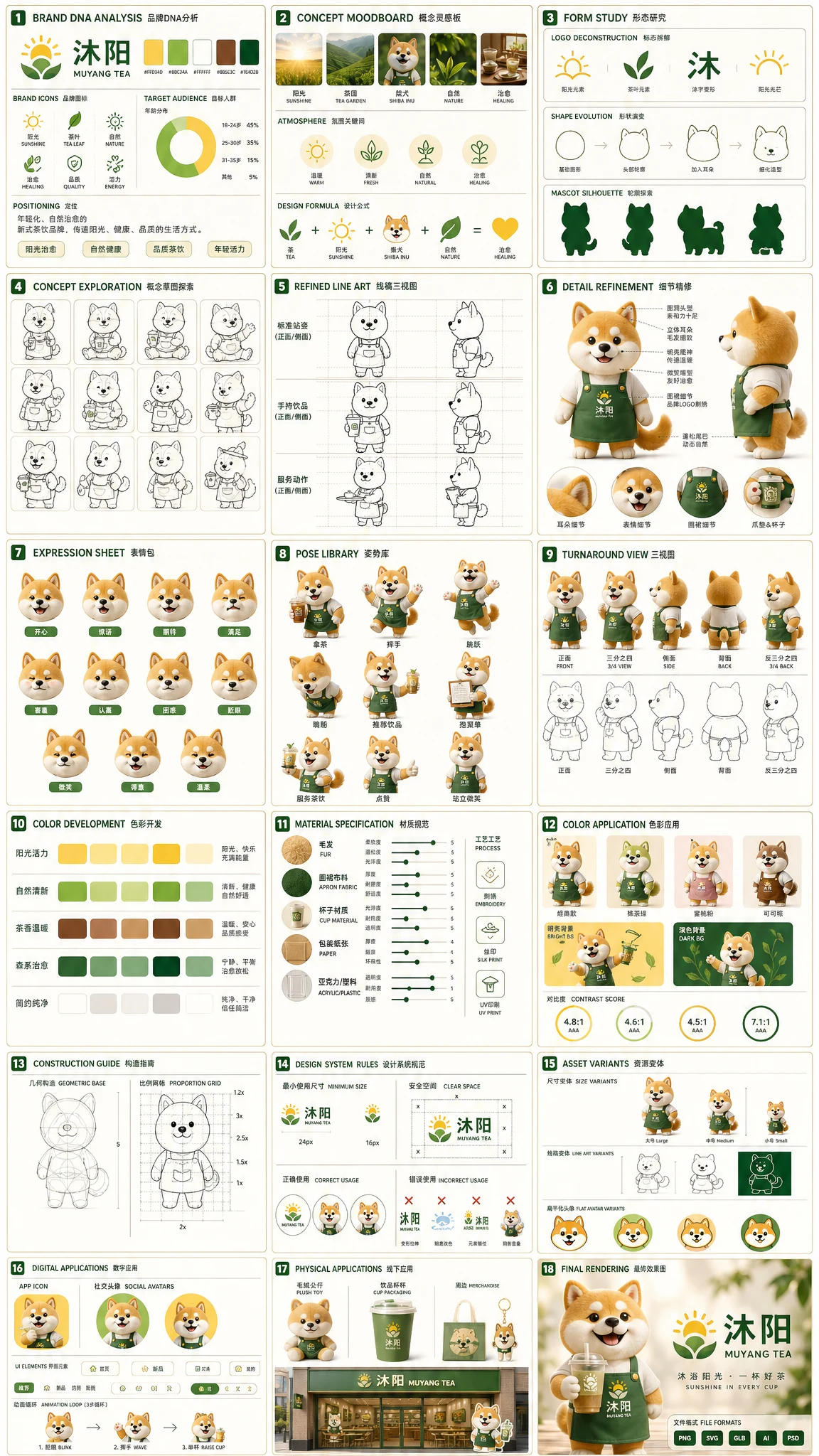
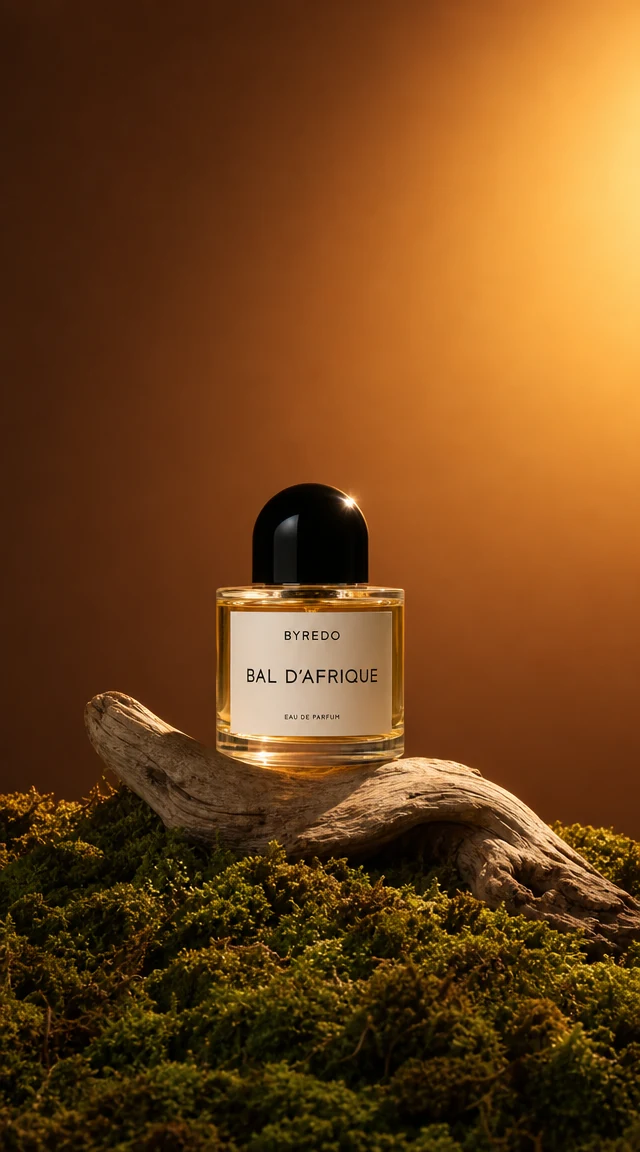
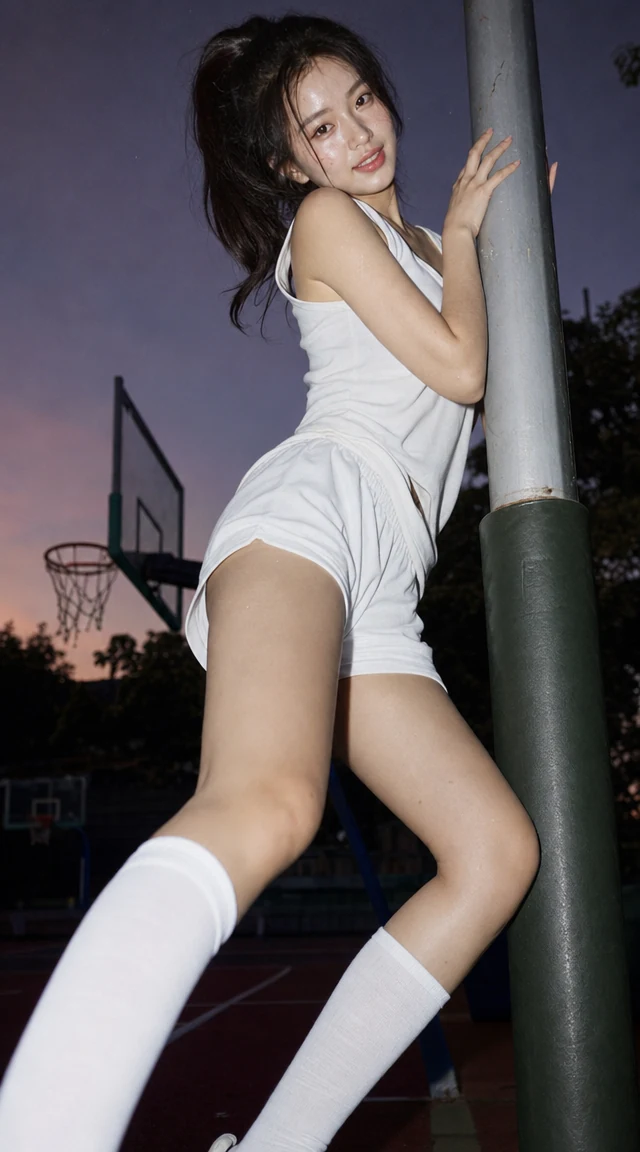
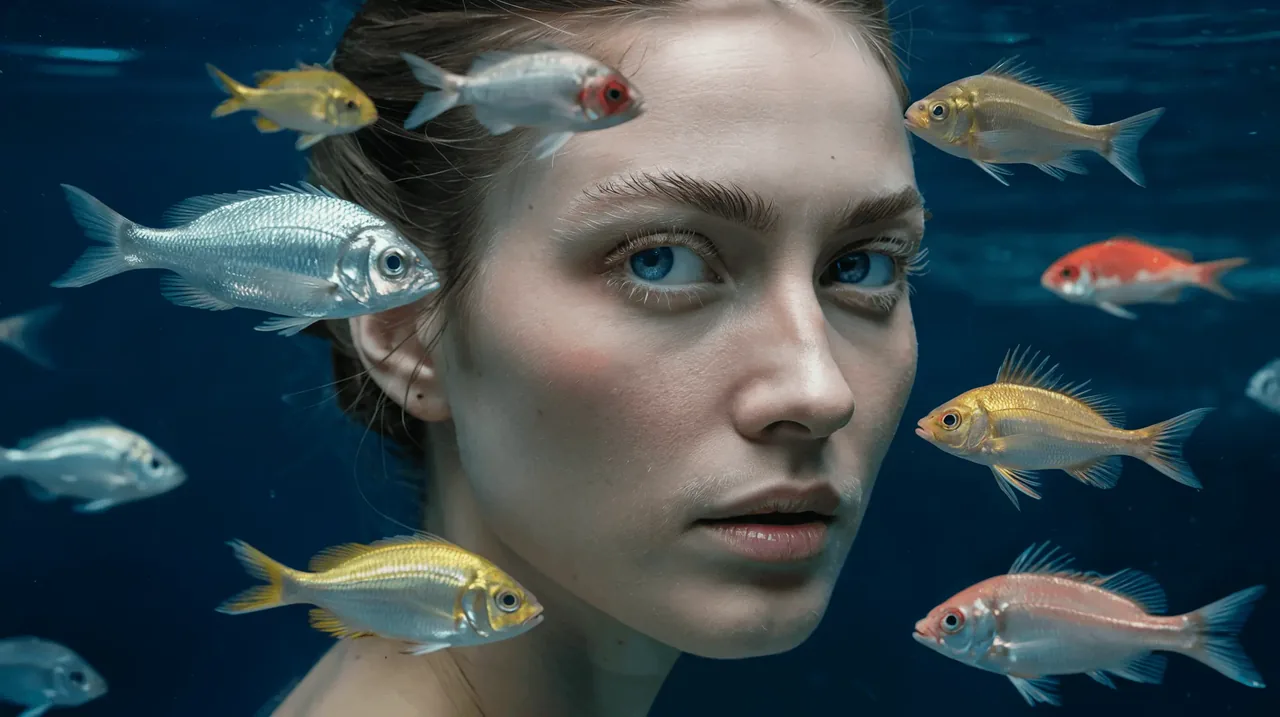
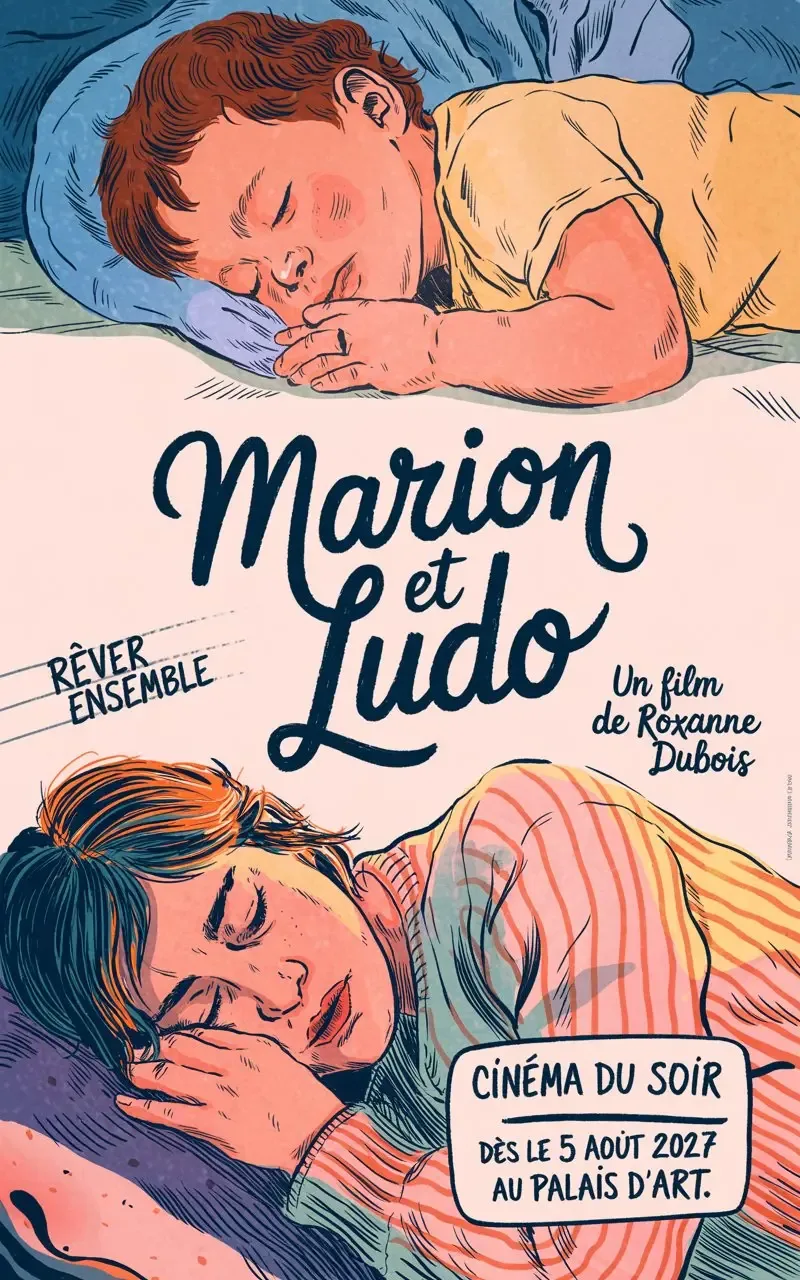
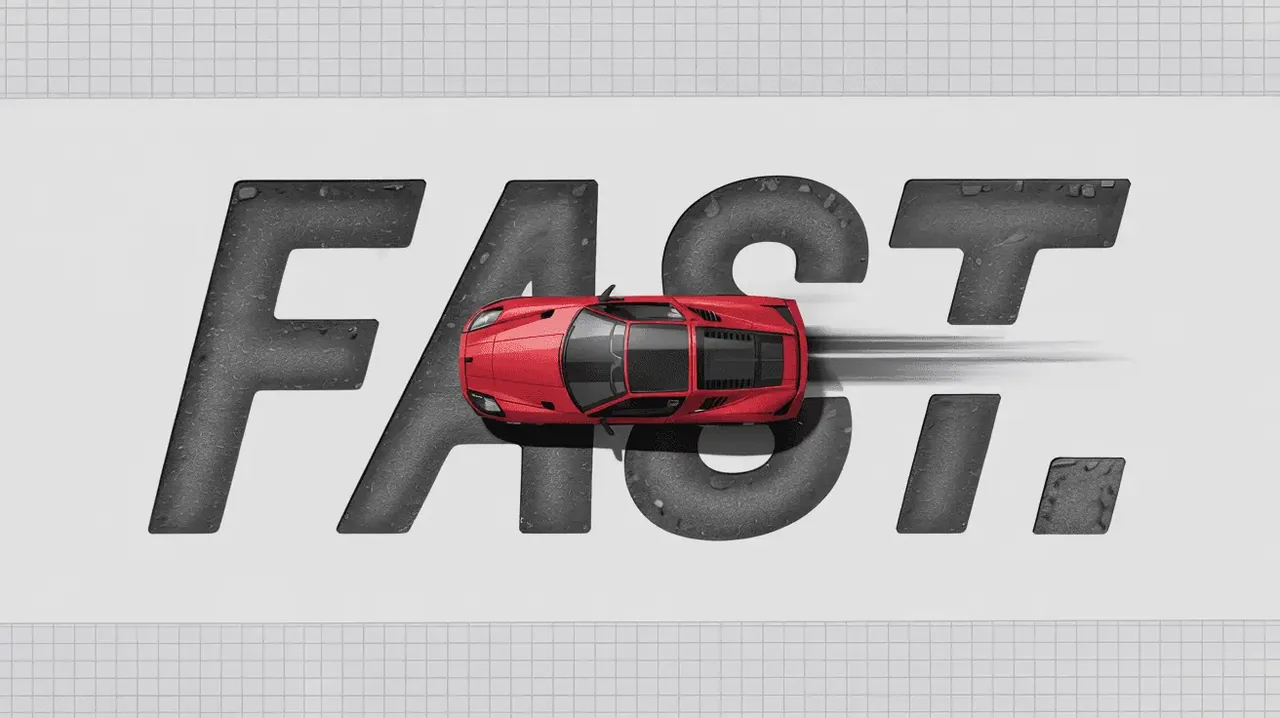
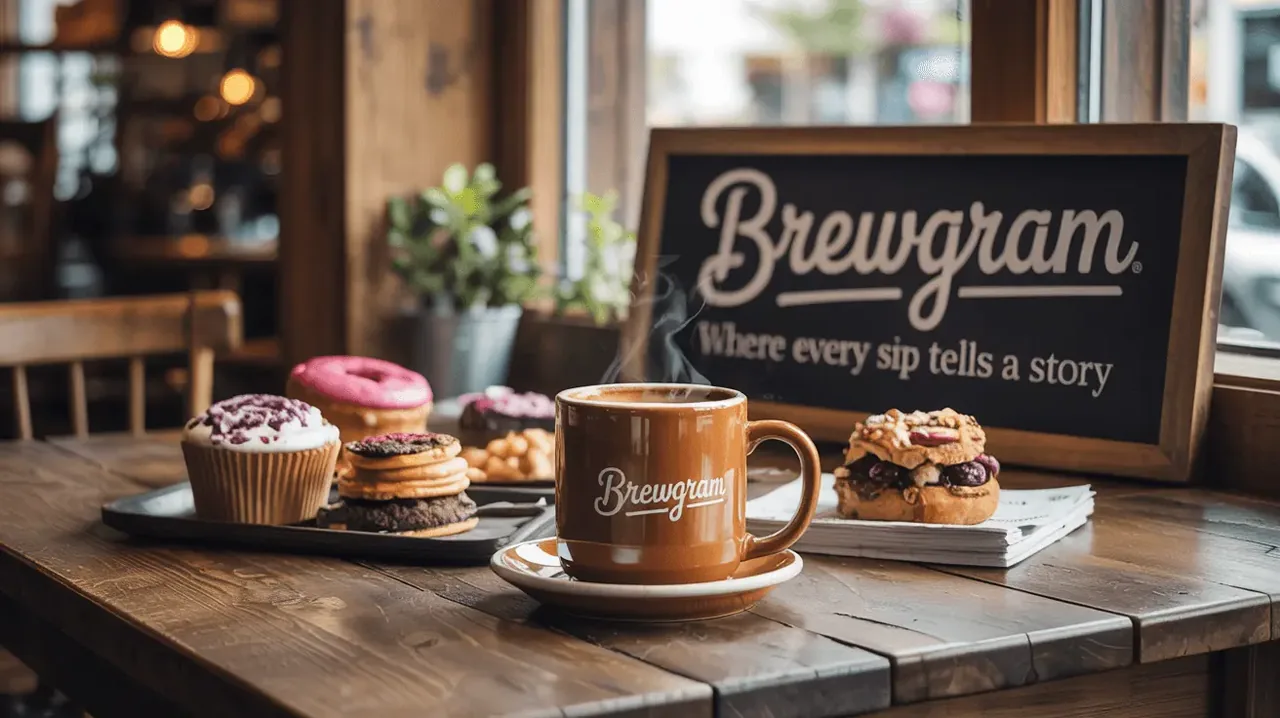
Ideogram V3 is built for images that have to look right and read right. Most image models can paint a convincing scene, but they stumble when a headline, a price tag or a brand name has to appear in the frame. Ideogram V3 handles complex environments and spatial layouts, producing visuals that look natural and professional, and it keeps typography clean and stylized at the same time. That combination is why designers reach for Ideogram V3 when they need logos, posters, brand graphics and marketing visuals that are close to final on the first pass.
On this page the Ideogram V3 workspace gives you the two workflows that matter most in daily work. Text to image creates a new picture from your prompt with Ideogram V3. Remix takes an image you upload and reimagines it from a new prompt, so a single mascot or product shot can become a series of variations. Every generation lets you pick a rendering speed: Turbo for quick drafts, Balanced for everyday work and Quality for final outputs. Prompts are expanded automatically, so even a short idea gives Ideogram V3 enough detail to work with.
The rest of this guide walks through the six things Ideogram V3 is best at, a comparison of its three rendering speeds, a three-step workflow and answers to the questions people ask most often before they start.