
Ideogram4 Image Quality Enhancer
Upload a low-resolution, blurry, or compressed image and improve clarity, texture, detail, and resolution while keeping the original subject and composition intact.
Ideogram4 Image Quality Enhancer
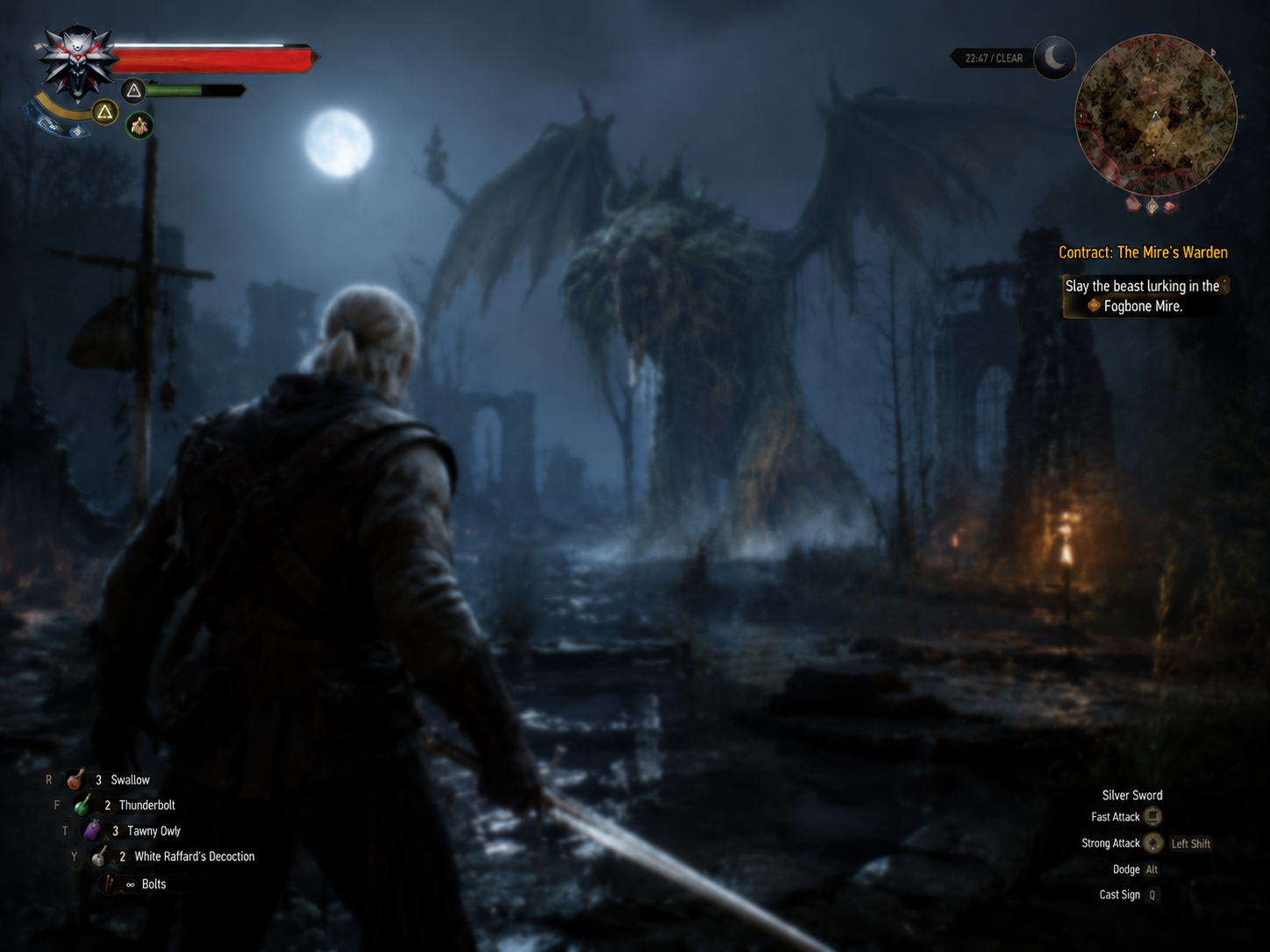
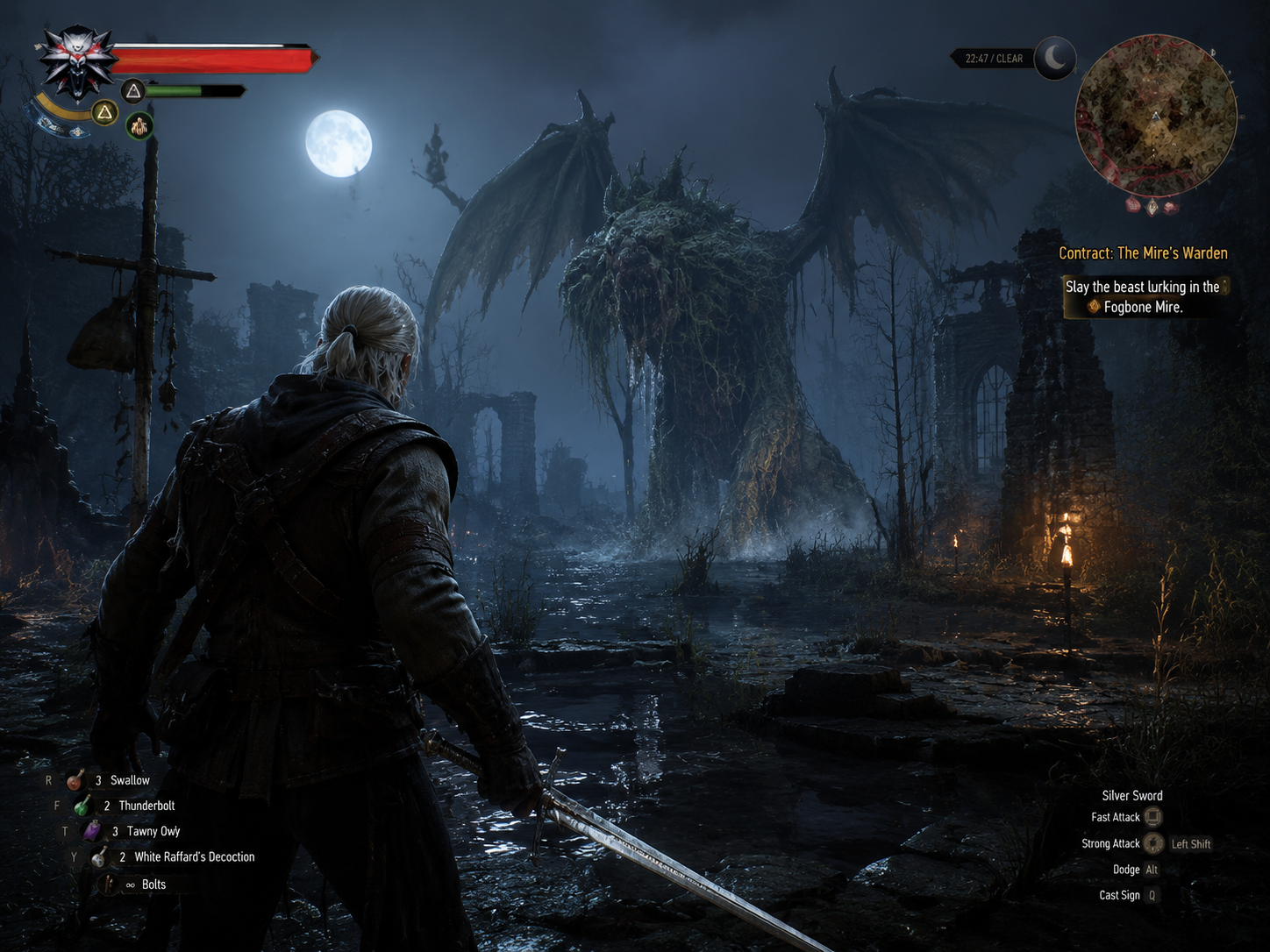
Upload an image to compare the enhanced result, then inspect sharpness, texture, edges, and subject consistency before downloading.
Experience Ideogram4 Image Quality Enhancer capabilities
Designed around practical image editing needs. Upload an image and generate with the selected tool preset.
Professional image enhancement
Improve low-resolution, blurry, compressed, or detail-poor images with sharper edges and cleaner local detail.
Smart upscaling and detail recovery
Increase resolution while restoring texture, lighting depth, and detail density for sharper HD presentation.
Subject and composition preservation
Keep person identity, product shape, text/logo, edge silhouettes, and the original layout stable.
Fast commercial asset cleanup
Prepare ecommerce images, posters, portraits, covers, marketing visuals, and old assets for reuse.
How to use Image Quality Enhancer
Three steps to process images for product, portrait, old-photo, and content workflows.
Upload a low-quality image
Use JPG, PNG, or WebP images such as screenshots, product photos, portraits, and design assets.
Choose enhancement settings
Select clarity and resolution settings that match ecommerce, poster, social, or presentation use cases.
Download the enhanced image
Review subject identity, text, edges, and texture details, then save a cleaner HD version for reuse.
FAQ
Common questions about uploads, results, and tool behavior.
01 What is an AI image quality enhancer?
It improves image clarity, resolution, detail density, and material texture while trying to preserve the original subject and composition.
02 How does it work?
Upload an image, and the tool uses the enhancement preset to reduce blur, noise, compression artifacts, and low-resolution grain before producing a cleaner HD result.
03 Which image formats are supported?
You can upload common formats such as JPG, PNG, and WebP. This page supports one image up to 10MB.
04 Will enhancement change the original content?
The preset asks the model to preserve subject identity, composition, product shape, text/logo, and important edges while improving clarity and texture. Always review the final result.
05 Can I use enhanced images for commercial assets?
It is useful for ecommerce images, ad drafts, social covers, presentations, and design assets. Review final quality, text, edges, and licensing before publishing.
06 How long does processing take?
Most tasks complete quickly, but timing depends on image size, output resolution, and the current generation queue.