Text to image · Editing · 1K, 1.5K and 2K

Seedream 5.0 Flash for fast, affordable image creation

Seedream 5.0 Flash is a fast and cost-efficient image model from ByteDance. It is designed for frequent, quick image requests and keeps the advanced abilities of the Seedream 5 family: text to image, precise editing and multi-reference creation with up to 10 images. Every Seedream 5.0 Flash image costs 5 credits at 1K, 1.5K or 2K, so you can explore many ideas and keep the best ones.

5 credits per image at 1K, 1.5K or 2K

Seedream 5.0 Flash

Seedream 5.0 Flash for fast, affordable image creation

Ideogram 4 Creative Generator

Updating credit quote…

1K images cost 5 credits, 2K cost 5 credits, and 4K cost 20 credits.

Available ratios follow the selected model.

85 / 5000
Cost 5 creditsRemaining 0 credits
Tasks & creations
Japanese skincare ad prompt preview

No works generated yet

Enter a prompt and your generated image will appear here.

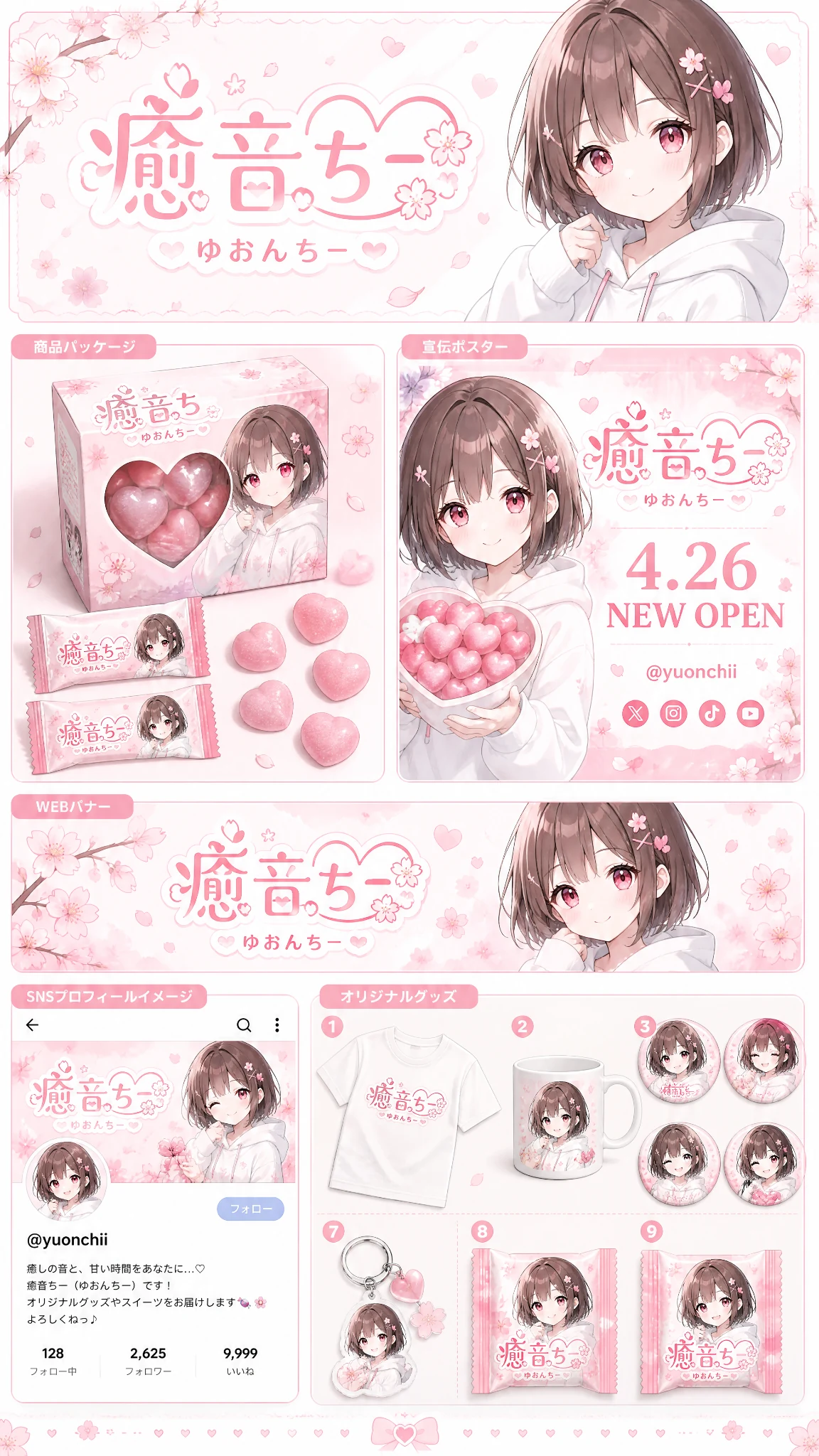
Anime brand identity prompt preview

No works generated yet

Enter a prompt and your generated image will appear here.

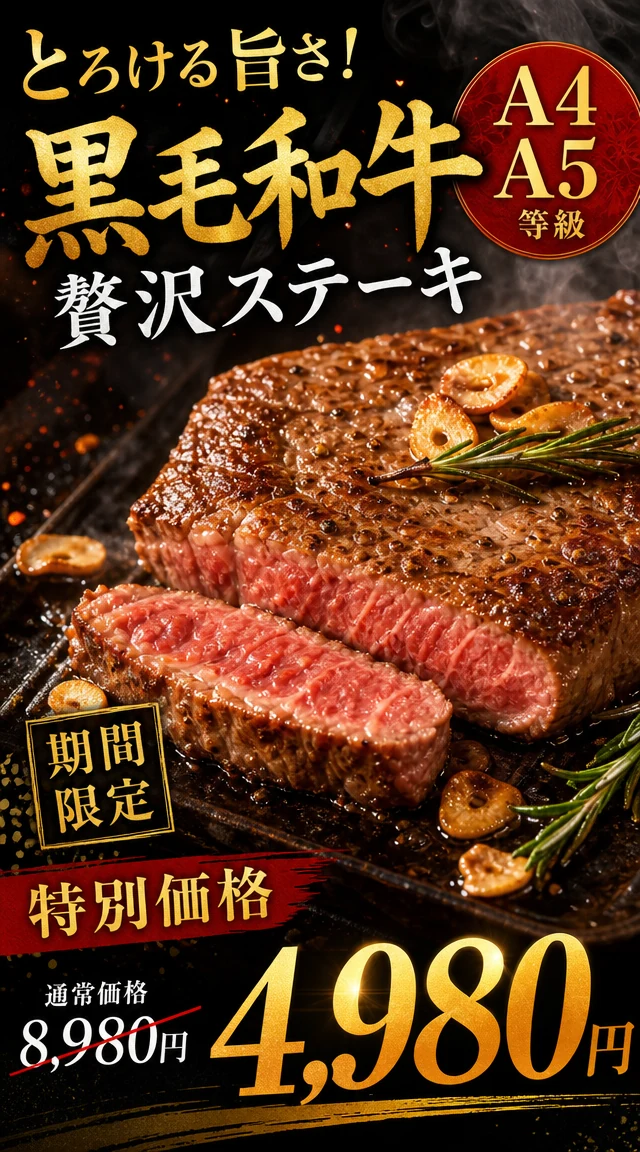
Japanese wagyu steak ad prompt preview

No works generated yet

Enter a prompt and your generated image will appear here.

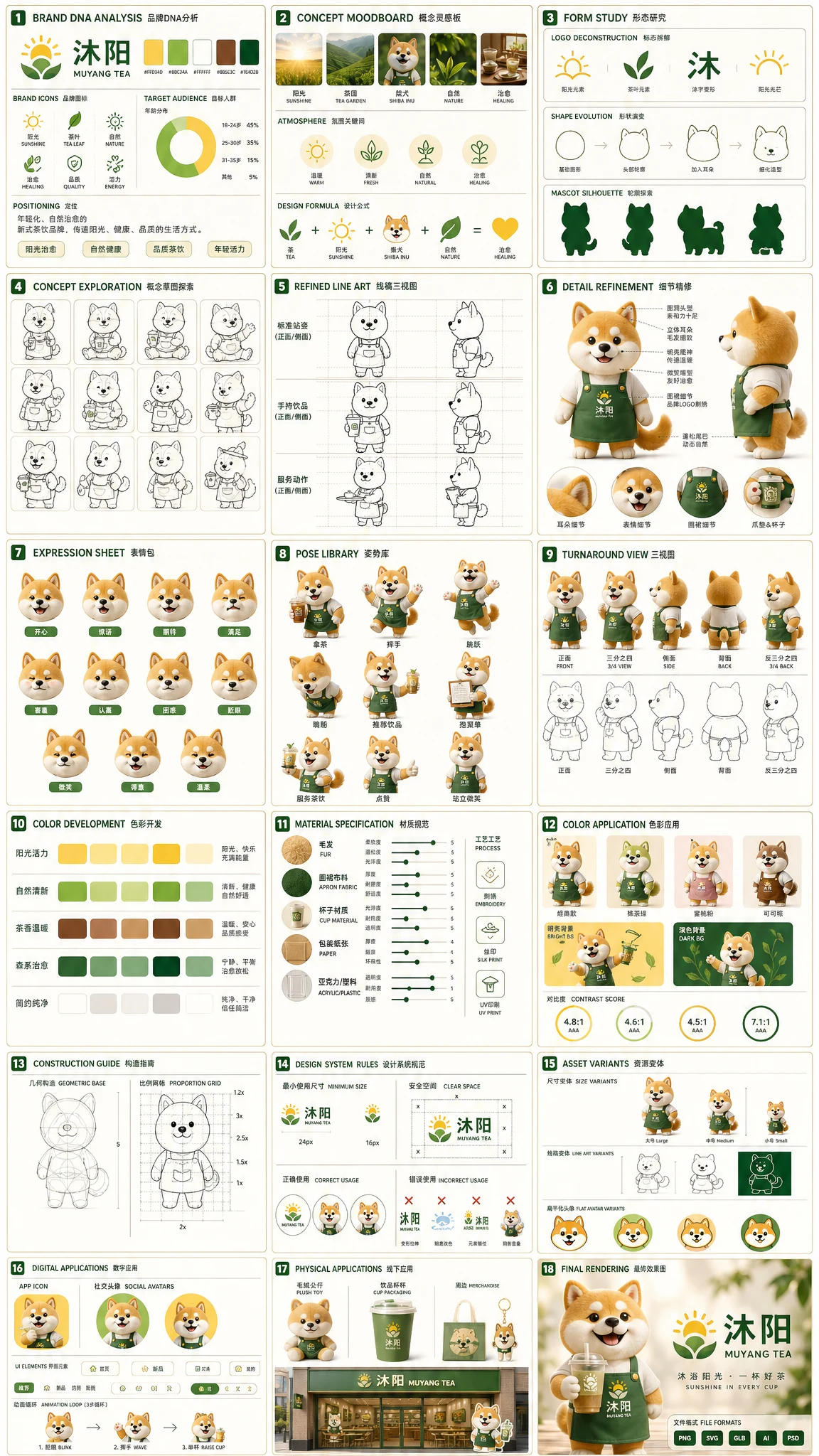
Tea brand mascot prompt preview

No works generated yet

Enter a prompt and your generated image will appear here.

Luxury perfume prompt preview

No works generated yet

Enter a prompt and your generated image will appear here.

Basketball portrait prompt preview

No works generated yet

Enter a prompt and your generated image will appear here.

What Seedream 5.0 Flash is built for

Seedream 5.0 Flash is the speed-focused member of the Seedream 5 family. It is designed for latency- and cost-sensitive work, which means it answers quickly and costs little per image while still following detailed prompt instructions. Seedream 5.0 Flash can create realistic scenes, illustrations, product visuals, posters and social content, so it fits everyday creative work where you need many good images rather than one slow one.

In the Seedream 5.0 Flash workspace you can generate a new image from a prompt, or switch to image to image, upload up to 10 pictures and describe the edit. Choose 1K, 1.5K or 2K and one of eight aspect ratios, from square to the cinematic 21:9. The price stays the same at every size, so with Seedream 5.0 Flash you can pick the resolution that suits the job without thinking about cost.

A good way to work is to treat each generation as a quick sketch. Write a short prompt, look at the result, then add the details that are missing: the light, the camera angle, the materials, the words on a sign. Because each run is fast and costs the same at every size, it is easy to compare several directions side by side, keep the strongest frame and then refine it with an edit instead of starting again from a blank page.

Below you will find six strengths of Seedream 5.0 Flash, a full specification sheet, a three-step workflow and answers to the questions people ask before they start.


Six reasons to use Seedream 5.0 Flash

Each strength below is available in the Seedream 5.0 Flash workspace above.

Faster generation at a lower cost

Seedream 5.0 Flash creates high-quality images with faster generation and lower costs. It is made for frequent requests, so you can try a prompt, adjust it and try again within moments. At 5 credits per image, Seedream 5.0 Flash is one of the most economical ways to explore visual ideas on the site. Short feedback cycles make it practical to explore color palettes, compositions and copy lines in one sitting.

  • Every image costs 5 credits at 1K, 1.5K or 2K.
  • Quick responses keep the idea-to-image loop short.
  • Ideal for testing many variations before choosing a final one.

High-quality images up to 2K

Seedream 5.0 Flash turns natural language prompts into polished visuals. It creates realistic scenes, illustrations, product visuals and posters while following detailed instructions. Choose 1K for quick drafts, 1.5K for a sharper middle ground or 2K when Seedream 5.0 Flash should deliver the most detail.

  • Three sizes: 1K, 1.5K and 2K.
  • Realistic scenes, illustrations and product shots from one model.
  • Detailed prompts are followed closely, element by element.

Precise image editing

Seedream 5.0 Flash goes beyond basic prompt-based editing. Upload an image and describe what to replace, remove or add, and the model changes the selected region while keeping the rest. Seedream 5.0 Flash also understands visual markers, so you can upload an image on which you have drawn an arrow or a box to show exactly where the edit belongs. This works well for product photos that need a new background, posters that need a different headline or scenes that need one object swapped.

  • Replace objects, change backgrounds or adjust selected details.
  • Arrows and boxes drawn on your upload point to the exact area.
  • Unchanged parts of the image stay as they were.

Up to 10 reference images

Use several visual references to guide generation and editing with Seedream 5.0 Flash. Add up to 10 images to combine subjects, products, styles and compositions in one result. This multi-reference ability helps Seedream 5.0 Flash keep a product, a character or a brand look consistent across a series.

  • Upload up to 10 JPEG, PNG or WEBP images, each up to 25 MB.
  • Combine a product, a model and a setting in a single image.
  • Keep style and identity consistent across a whole set.

Multilingual text in images

Seedream 5.0 Flash supports native multilingual generation, including Japanese, Korean, French, German, Spanish, Portuguese, Arabic and more. Create localized posters, ads, social graphics and marketing assets for each market with Seedream 5.0 Flash, without building separate workflows for every language. Teams that publish in several countries can keep one visual concept and simply change the language of the headline for each audience.

  • Write the headline in the language of your audience.
  • Localized posters and ads come from the same prompt structure.
  • Put exact words in quotation marks for the most reliable spelling.

Eight aspect ratios for every format

Seedream 5.0 Flash offers eight aspect ratios: 1:1, 4:3, 3:4, 16:9, 9:16, 2:3, 3:2 and 21:9. That covers feeds, stories, product pages, banners and cinematic headers. Pick the frame first and Seedream 5.0 Flash composes the subject and the text to fit it.

  • Square, portrait and landscape frames for every platform.
  • 21:9 suits cinematic headers and wide website banners.
  • The same 5-credit price applies to every ratio and size.

Seedream 5.0 Flash specification sheet

Everything you can set for Seedream 5.0 Flash in this workspace, in one place.

SettingSeedream 5.0 Flash
MakerByteDance, Seedream 5 family
FocusFast, low-cost generation and editing
Text to imageYes
Image editingYes, including region edits guided by drawn markers
Reference imagesUp to 10 per request
Upload formatJPEG, PNG or WEBP, up to 25 MB each
Sizes1K, 1.5K and 2K
Aspect ratios1:1, 4:3, 3:4, 16:9, 9:16, 2:3, 3:2, 21:9
Credits per image5 at every size
Multilingual textJapanese, Korean, French, German, Spanish, Portuguese, Arabic and more
Prompt lengthAt least 4 characters
Best forHigh-volume creative work, quick drafts and localized marketing

How to use Seedream 5.0 Flash

Three steps take you from an idea to a finished Seedream 5.0 Flash image.

  1. 1

    Describe or upload

    Write the image you want, with exact text in quotation marks. To edit or combine, switch to image to image and upload up to 10 pictures for Seedream 5.0 Flash.

  2. 2

    Choose size and ratio

    Pick 1K, 1.5K or 2K and one of eight aspect ratios. Seedream 5.0 Flash costs 5 credits at every size, shown before you generate.

  3. 3

    Generate and iterate

    Generate, review and adjust the wording. Because Seedream 5.0 Flash is fast and inexpensive, running several variations is the quickest way to the best result.

Seedream 5.0 Flash frequently asked questions

What is Seedream 5.0 Flash?

Seedream 5.0 Flash is a fast and cost-efficient image model from ByteDance. It supports text to image, image editing, multi-reference input and precise edits for creative work.

Can I try Seedream 5.0 Flash for free?

Yes. New accounts receive free starter credits after a quick account check. At 5 credits per image, that is enough to try Seedream 5.0 Flash several times before buying more.

How many credits does Seedream 5.0 Flash use?

Each Seedream 5.0 Flash image costs 5 credits, whether you choose 1K, 1.5K or 2K and whether you generate or edit.

What is the difference between Seedream 5.0 Flash and Seedream 5.0 Pro?

Both share core abilities such as generation, editing and multi-reference input. Seedream 5.0 Flash focuses on faster, lower-cost generation, while Seedream 5.0 Pro prioritizes higher image quality.

Does Seedream 5.0 Flash support image editing?

Yes. Upload an image, describe the change and Seedream 5.0 Flash edits it. You can also draw an arrow or a box on the image before uploading to show exactly where the edit should happen.

How many reference images can I use with Seedream 5.0 Flash?

Seedream 5.0 Flash accepts up to 10 reference images per request, in JPEG, PNG or WEBP format and up to 25 MB each.

Which resolutions does Seedream 5.0 Flash support?

Seedream 5.0 Flash supports 1K, 1.5K and 2K. Choose based on how much detail you need; the credit cost is the same at every size.

Which aspect ratios are available?

Seedream 5.0 Flash offers 1:1, 4:3, 3:4, 16:9, 9:16, 2:3, 3:2 and 21:9.

Can Seedream 5.0 Flash write text in other languages?

Yes. Seedream 5.0 Flash supports multilingual generation including Japanese, Korean, French, German, Spanish, Portuguese and Arabic, which makes it useful for localized posters and ads.

Can I use Seedream 5.0 Flash images commercially?

Commercial use depends on your plan, the references you upload and the rights attached to your prompts and assets. Check that you may use any brands or people that appear.

Why was my upload rejected?

Seedream 5.0 Flash accepts up to 10 JPEG, PNG or WEBP images of up to 25 MB each. Other formats, larger files or more than 10 images are rejected with a message that explains why.

Create more for less with Seedream 5.0 Flash

Write a prompt or upload your references, choose a size and let Seedream 5.0 Flash deliver a polished image in moments. Try a few variations and keep the best.

Try Seedream 5.0 Flash free