Ideogram4 Unblur Image
Upload a blurry photo or compressed asset and reduce motion blur, soft focus, noise, and compression artifacts.
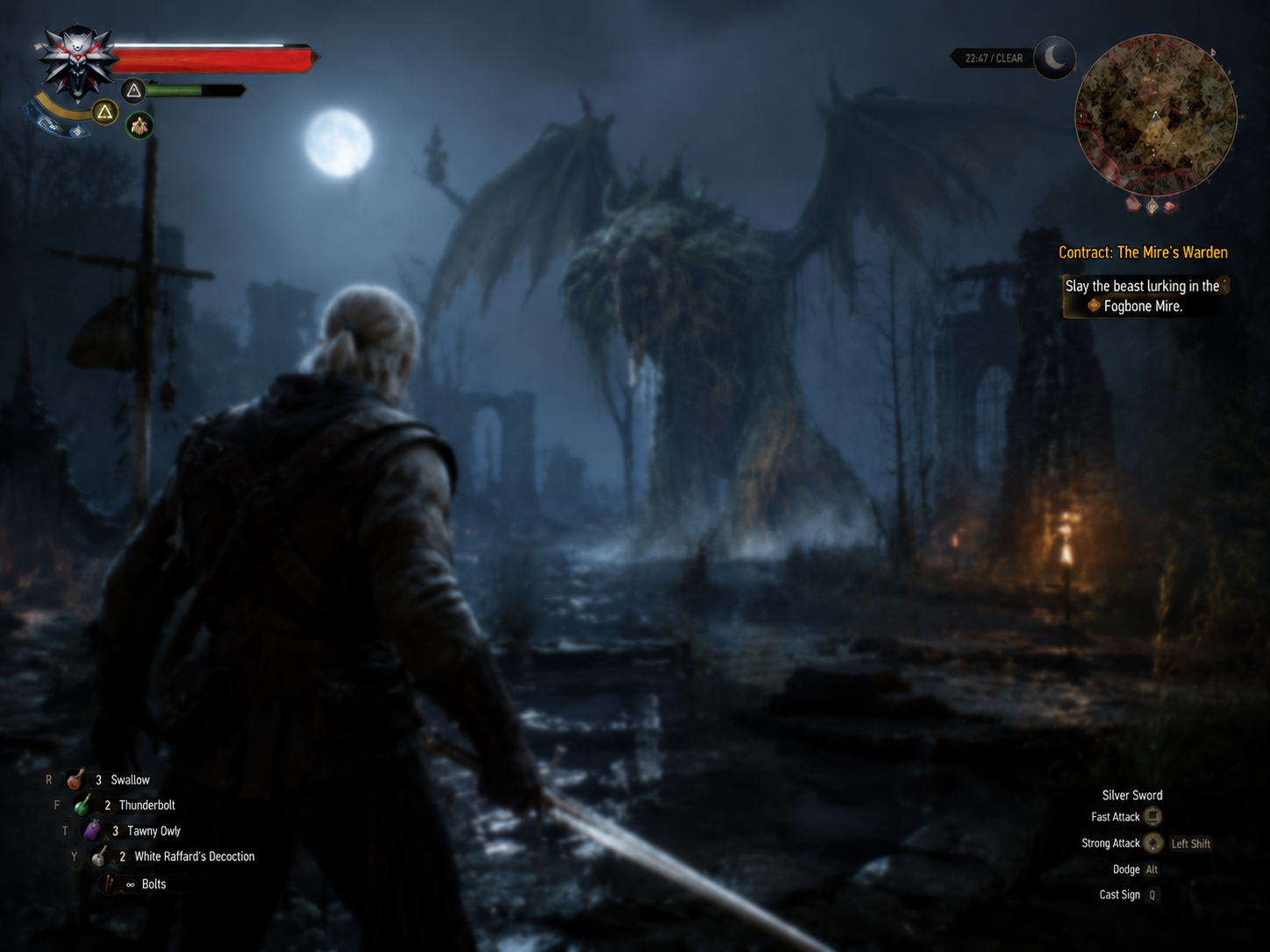
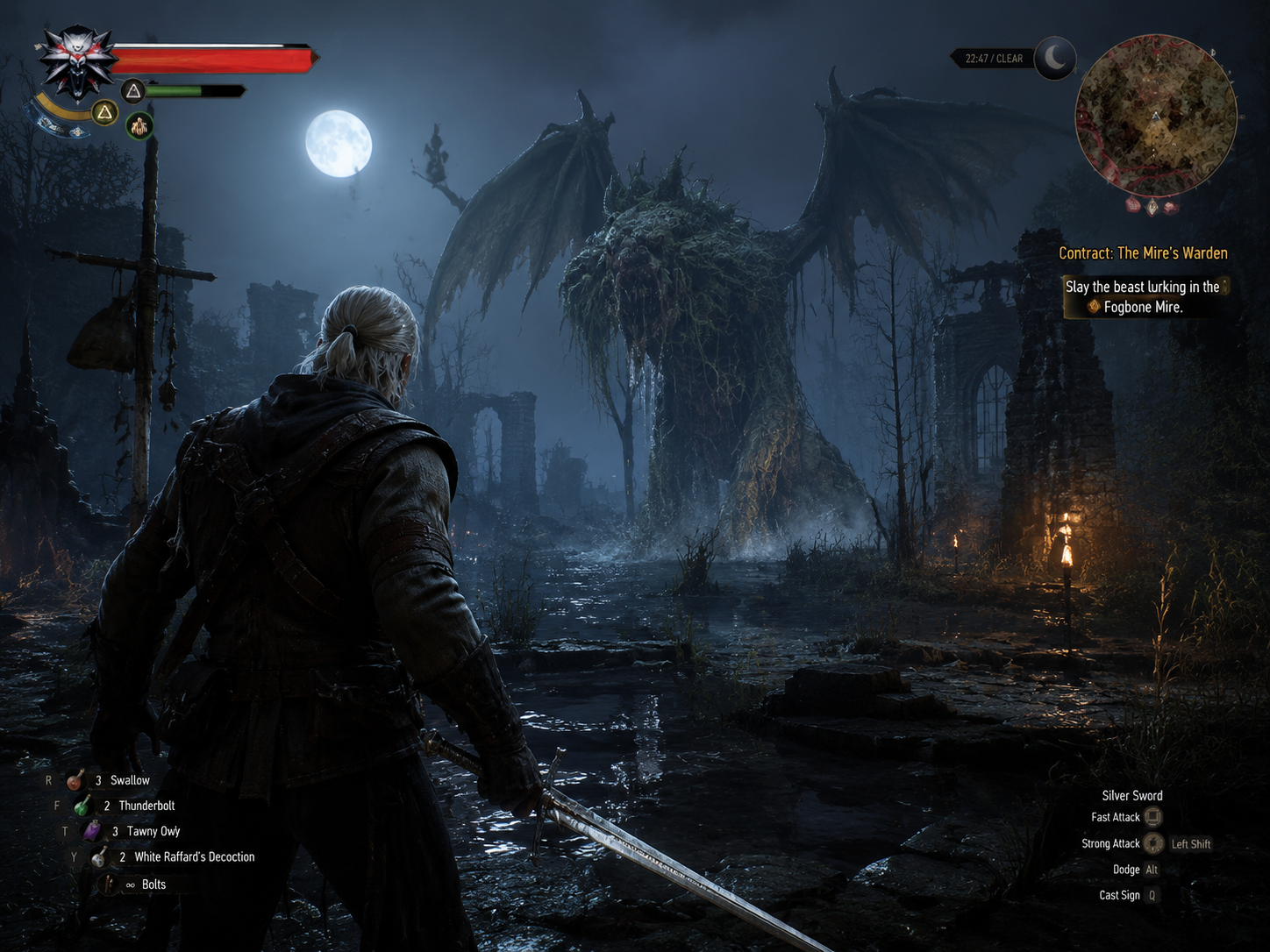
Experience Ideogram4 Unblur Image capabilities
Designed around practical image editing needs. Upload an image and generate with the selected tool preset.
Motion blur and soft-focus reduction
Useful for shaky photos, soft screenshots, compressed assets, and low-quality references.
Subject detail sharpening
Improve visible detail in people, products, text regions, and material edges.
Original structure preservation
Keeps identity, product shape, composition, and important information stable.
Fast content cleanup
Prepare clearer social visuals, product images, old assets, and presentation images.
How to use Unblur Image
Three steps to process images for product, portrait, old-photo, and content workflows.
Upload a blurry image
Less blur
Preserve the subject and layout
Sharper subject
Generate a clearer version
Preserved content
FAQ
Common questions about uploads, results, and tool behavior.
01 Can it fully recover a severely blurred photo?
You can try, but severe blur creates uncertainty. Generate a few versions and inspect the result before use.
02 Will unblurring change people or products?
The preset asks the model to preserve identity and structure, but AI results should still be reviewed.
03 Do I need to upload an image?
Yes. This tool uses image-to-image mode, so a reference image is required.