Text to image · Editing · 1K, 2K and 4K

Nano Banana 2.1 for fast image generation and conversational editing

Nano Banana 2.1 is Google's latest high-efficiency image generation and conversational editing model, an update to Nano Banana 2. One model handles both text to image and editing with up to 10 input images, at 1K, 2K or 4K. Google lists improved visual quality and realism, better prompt adherence, stronger text rendering and more accurate infographic layouts, so Nano Banana 2.1 is a quick, affordable way to go from an idea to a finished picture.

1K 5 · 2K 8 · 4K 12 credits per image

Nano Banana 2.1

Nano Banana 2.1 for fast image generation and conversational editing

Ideogram 4 Creative Generator

Updating credit quote…

1K images cost 8 credits, 2K cost 12 credits, and 4K cost 20 credits.

Available ratios follow the selected model.

100 / 20000
Cost 8 creditsRemaining 0 credits
Tasks & creations
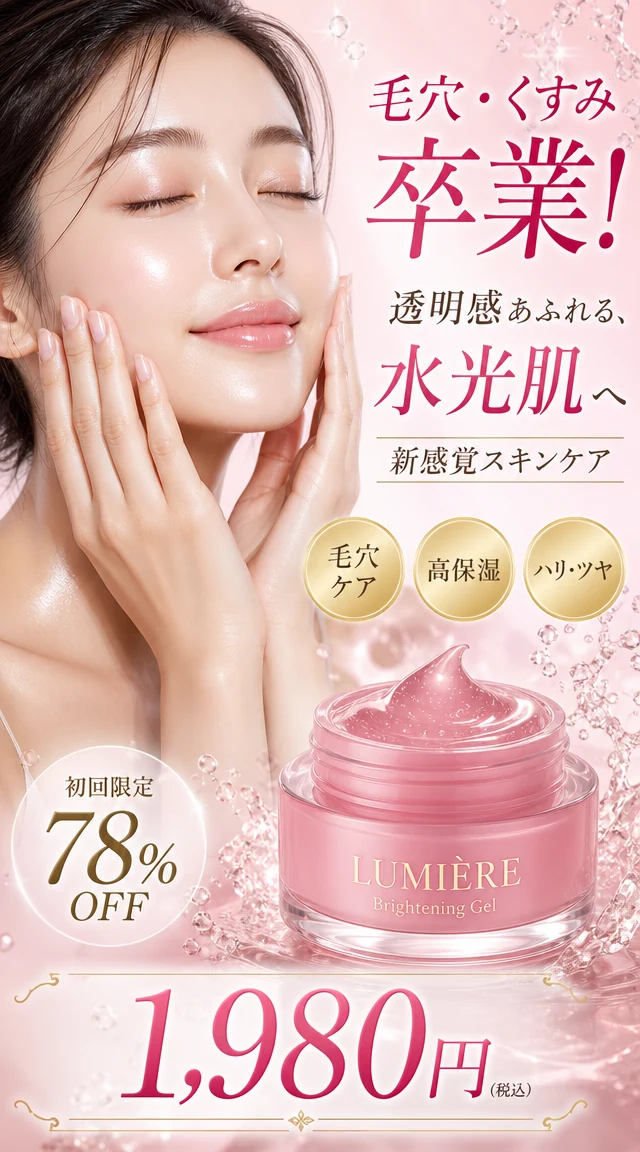
Japanese skincare ad prompt preview

No works generated yet

Enter a prompt and your generated image will appear here.

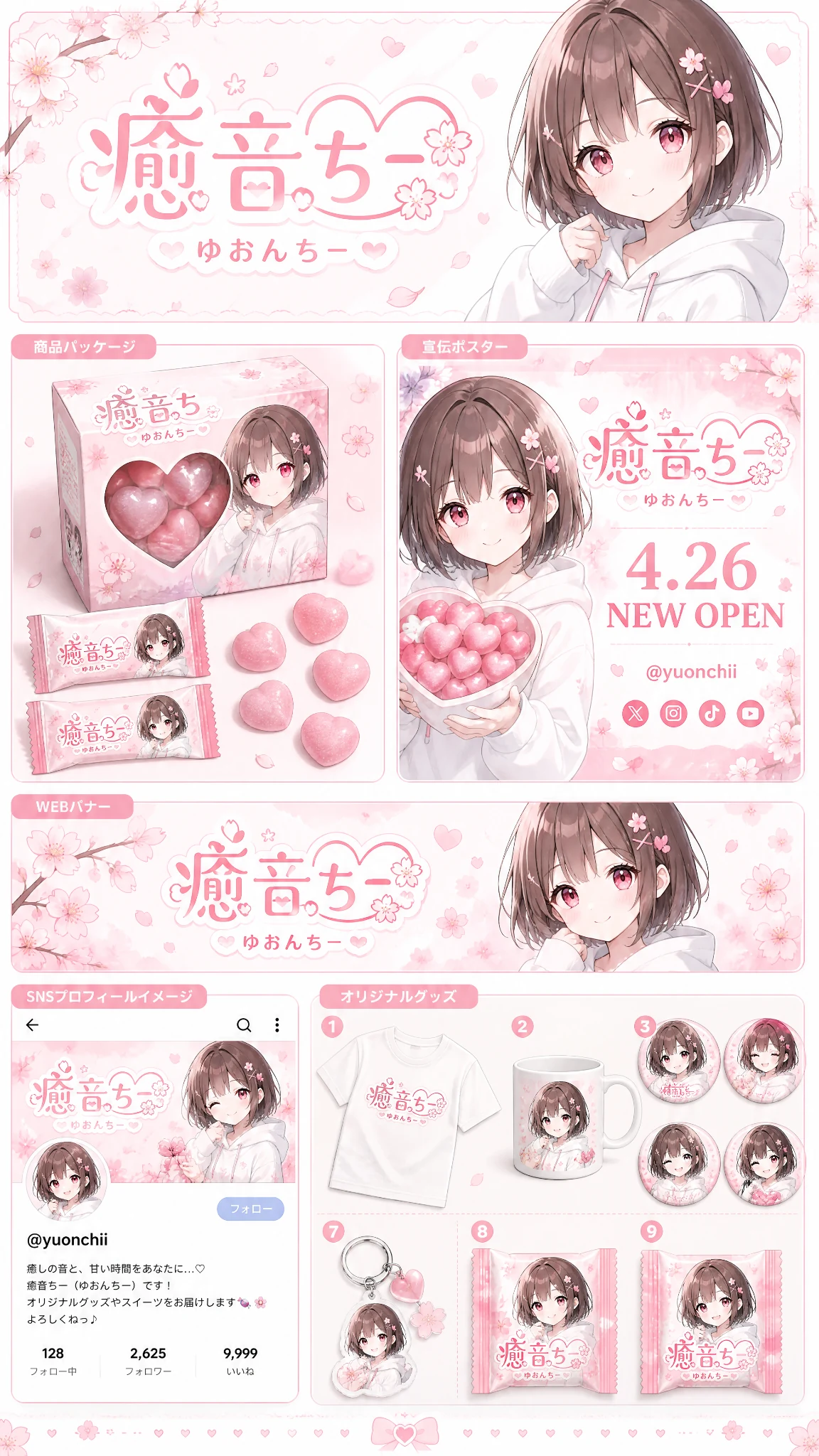
Anime brand identity prompt preview

No works generated yet

Enter a prompt and your generated image will appear here.

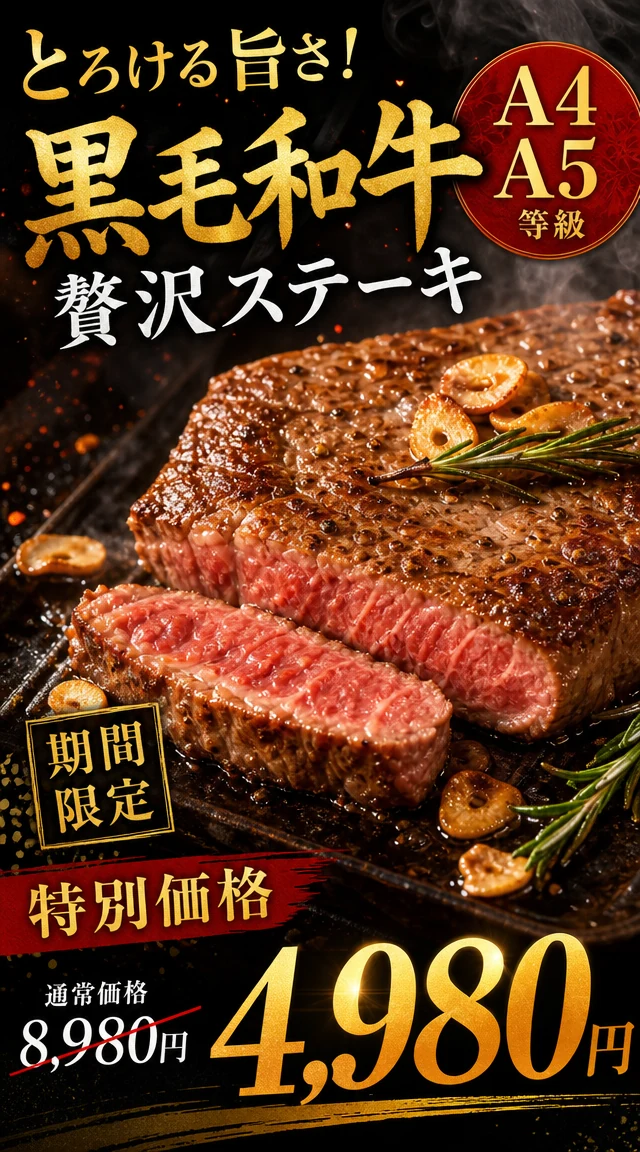
Japanese wagyu steak ad prompt preview

No works generated yet

Enter a prompt and your generated image will appear here.

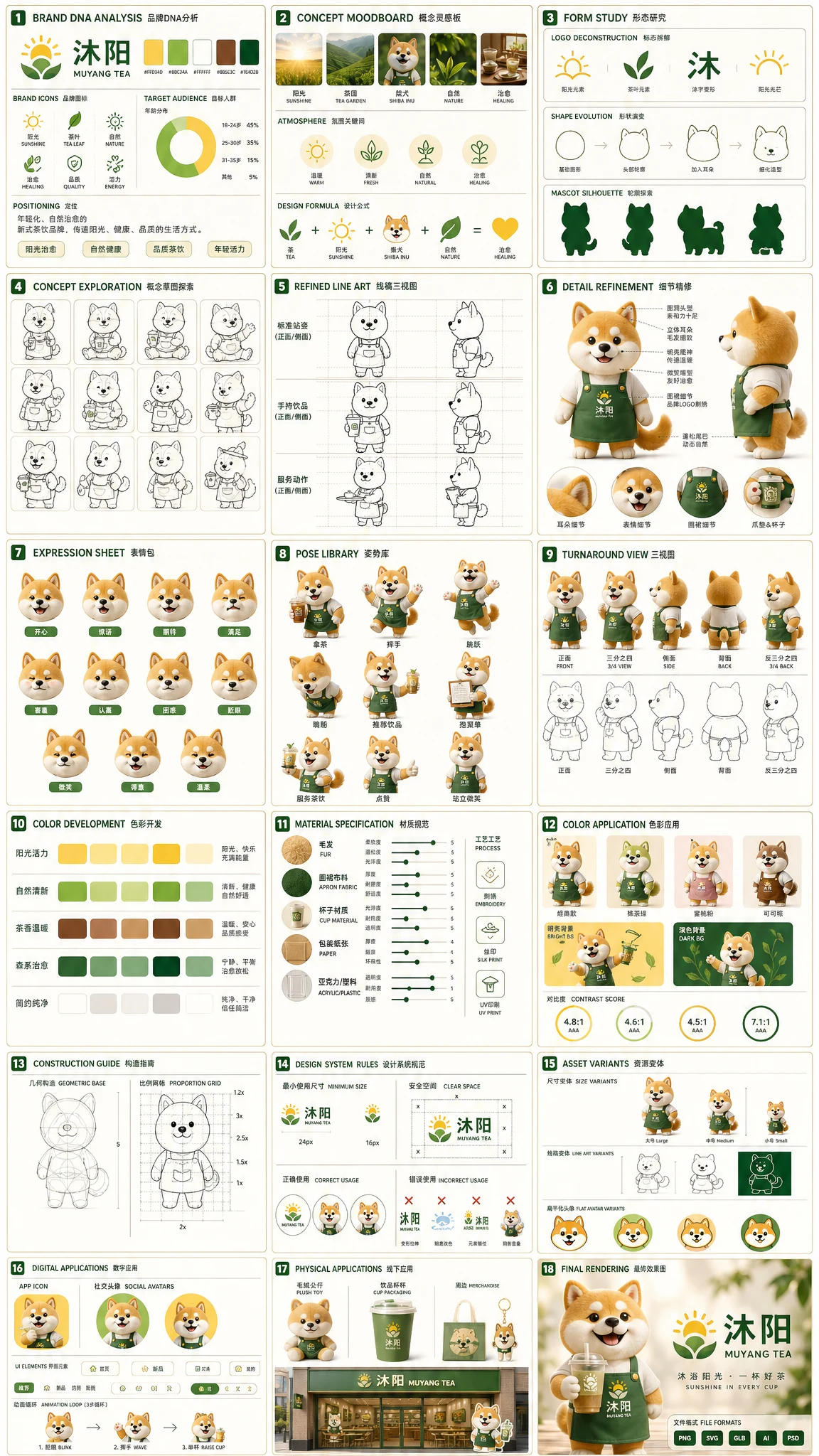
Tea brand mascot prompt preview

No works generated yet

Enter a prompt and your generated image will appear here.

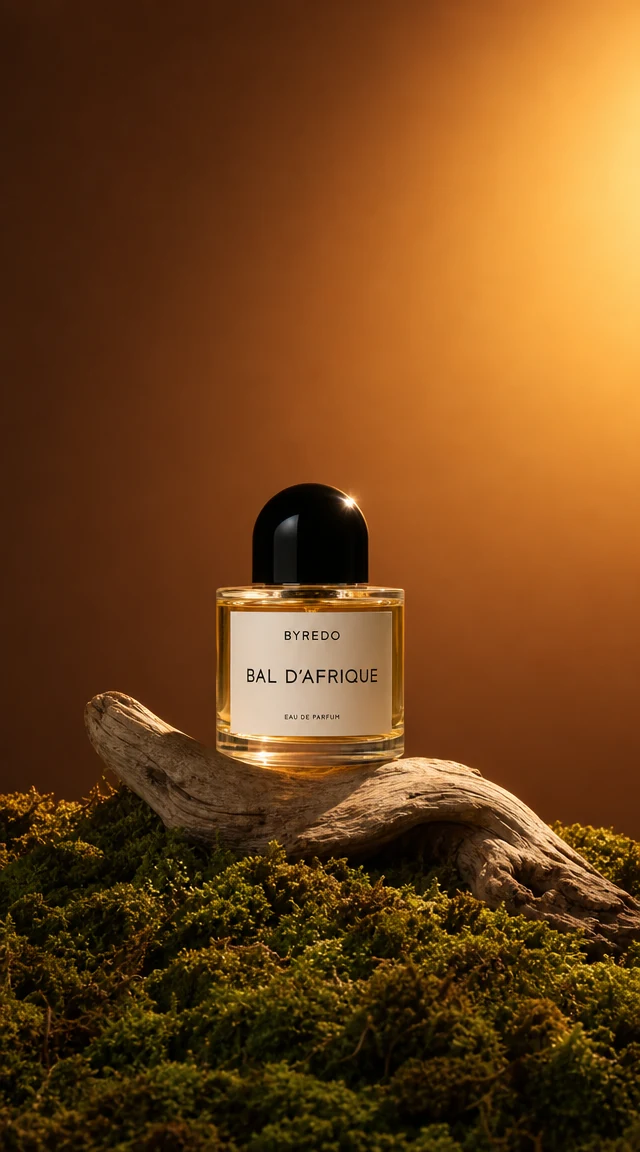
Luxury perfume prompt preview

No works generated yet

Enter a prompt and your generated image will appear here.

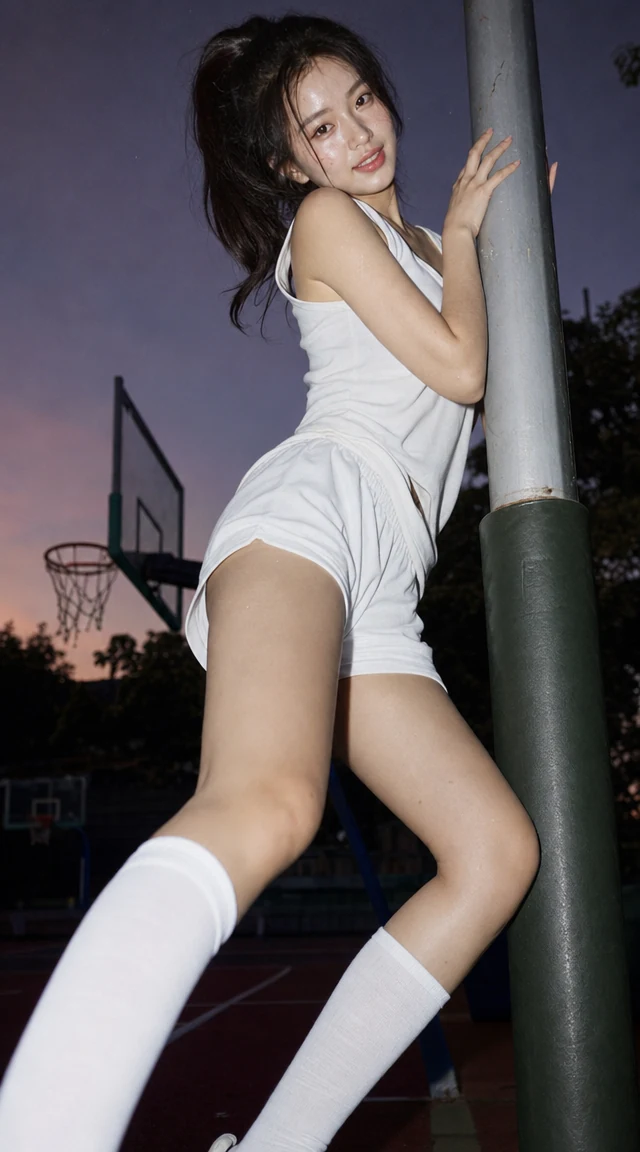
Basketball portrait prompt preview

No works generated yet

Enter a prompt and your generated image will appear here.

Why Nano Banana 2.1 is worth a look

Nano Banana 2.1 is built for speed and efficiency without giving up quality. Google describes it as the more efficient counterpart to Nano Banana Pro, and as an update to Nano Banana 2 it brings improved visual quality and realism at every resolution. For everyday work that means you can create product shots, social graphics, posters and infographics quickly, then edit them in plain language until they look right.

In the Nano Banana 2.1 workspace you can write a prompt and generate a new image, or switch to image to image and upload up to 10 pictures to edit, restyle or combine. Choose 1K for quick drafts, 2K for sharper detail or 4K for the largest output, and pick from 14 aspect ratios plus auto, including the panoramic 1:4, 4:1, 1:8 and 8:1 frames. Google says Nano Banana 2.1 fixes the tiling artifacts that older versions showed on these wide frames at 2K and 4K.

The sections below cover six strengths of Nano Banana 2.1, a comparison with Nano Banana 2 and Nano Banana Pro, a three-step workflow and practical answers about credits, references, text and resolution.

Six things Nano Banana 2.1 does well

These examples come from Google's own Nano Banana 2.1 showcase and highlight abilities you can use in the workspace above.

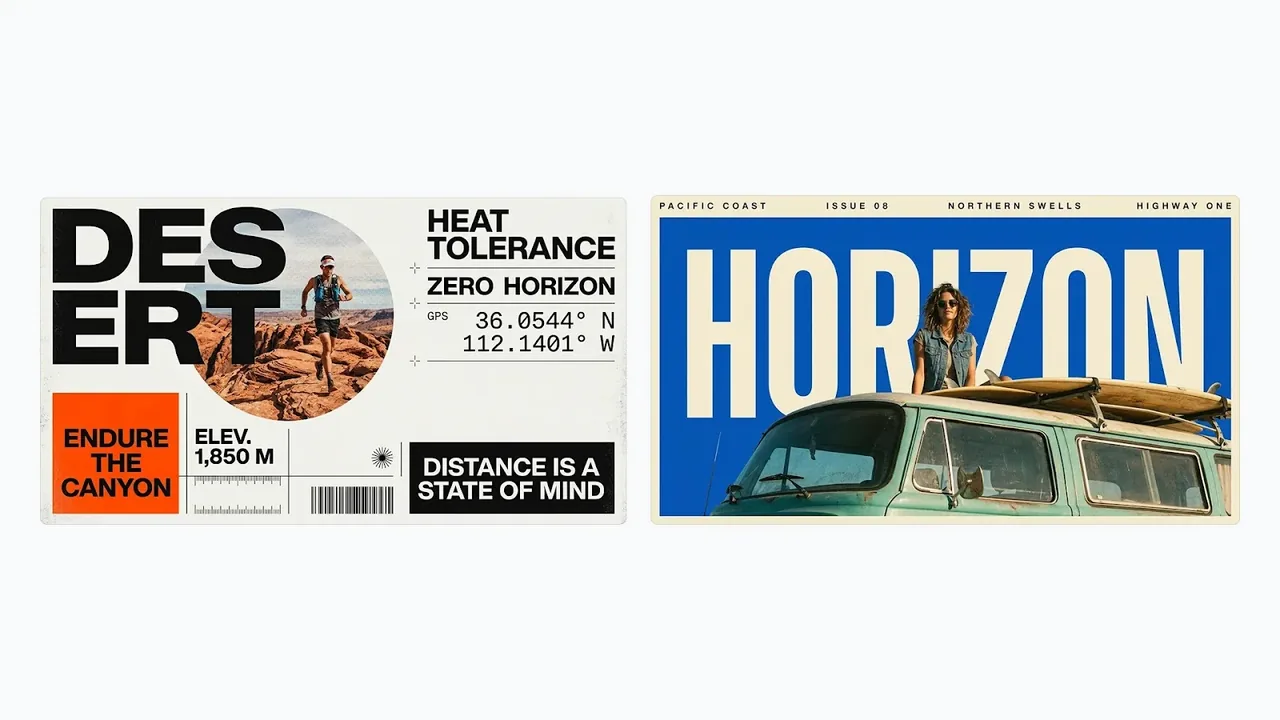
Nano Banana 2.1 adventure-themed poster designs with clear headline text

Sharper text inside graphic designs

Nano Banana 2.1 brings better text rendering, so headlines and labels in a design come out spelled the way you wrote them. Bold titles, event names and short slogans sit naturally inside posters and adventure-themed layouts. For small labels, choose 2K or 4K, because Google notes small text can look blurry at 1K.

  • Put exact words in quotation marks and Nano Banana 2.1 spells them as written.
  • Large titles and short slogans integrate cleanly with photos and shapes.
  • 2K and 4K keep smaller labels legible; keep long paragraphs short.
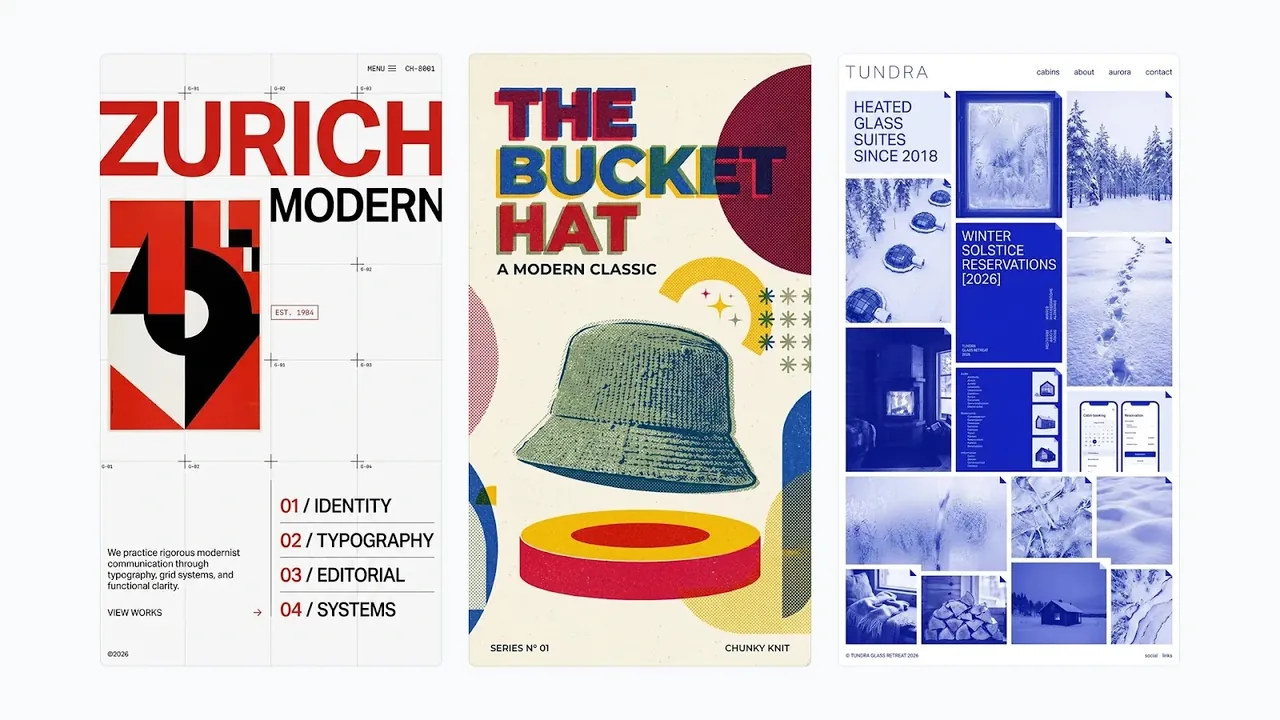
Nano Banana 2.1 three graphic design layouts including a Swiss grid poster

Accurate layouts and infographics

Google lists more accurate infographic layout as a key improvement in Nano Banana 2.1. Ask for a Swiss-style grid, an editorial page or a step-by-step explainer and the model keeps titles, numbered steps, icons and arrows in order. Nano Banana 2.1 is a strong choice for explainers, menus and structured posters.

  • Grids, columns and numbered steps follow the structure you describe.
  • Titles and step labels stay spelled exactly as written.
  • Different layout styles can be explored side by side from one idea.
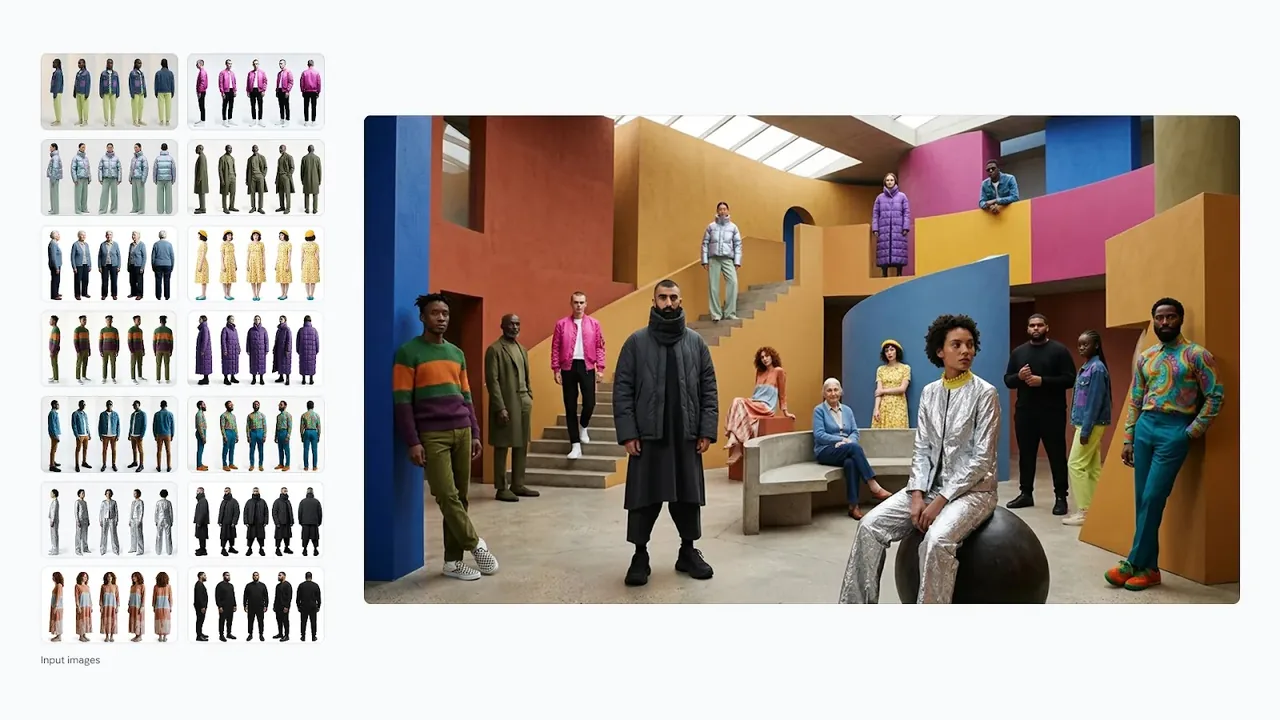
Nano Banana 2.1 combining several reference photos of fashion models into one scene

Edit and combine up to 10 images

Nano Banana 2.1 uses one model for generation and editing. Upload up to 10 reference images and describe what to do: place people into one scene, merge a product with a background or change a detail and leave the rest alone. Google also reports better multi-turn character consistency, so Nano Banana 2.1 keeps faces and outfits steadier across edits.

  • Up to 10 JPEG, PNG or WEBP images, each up to 25 MB, per request.
  • Combine people, products and places into one coherent composition.
  • Describe edits in plain language, such as recoloring lettering and changing nothing else.
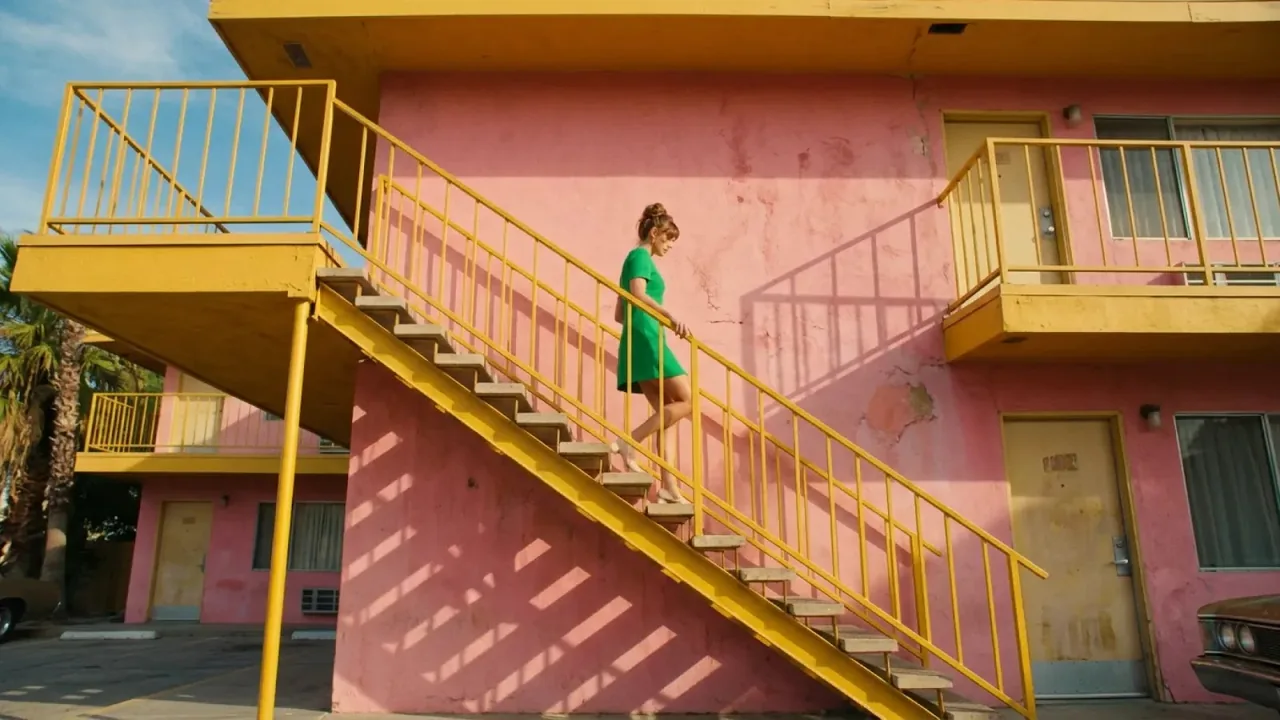
Nano Banana 2.1 photorealistic image of a woman in a green dress on a yellow staircase

Improved realism at 1K, 2K and 4K

Google lists improved visual quality and realism at all three resolutions in Nano Banana 2.1. Light, color and texture look natural, and fashion, travel and lifestyle scenes hold together from the subject to the background. Pick 1K for fast drafts and 4K when Nano Banana 2.1 needs to deliver the largest, most detailed file.

  • 1K costs 5 credits, 2K costs 8 credits and 4K costs 12 credits per image.
  • Natural color and lighting make lifestyle and fashion scenes believable.
  • 4K output suits print, hero banners and large displays.
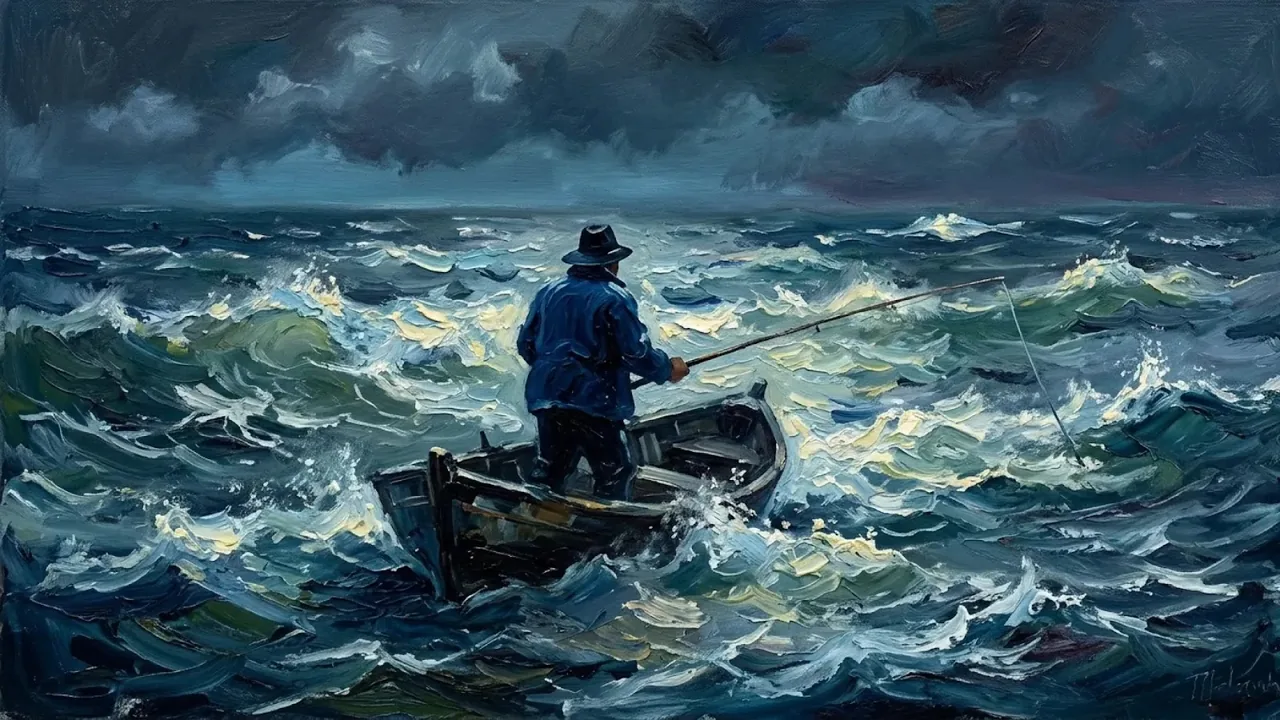
Nano Banana 2.1 oil painting of a fisherman in a small boat on a stormy sea

Painterly and illustrated styles

Nano Banana 2.1 is not limited to photography. Ask for an oil painting, a watercolor, a flat illustration or a vintage print and the model follows the style with convincing brushwork and texture. Because prompt adherence improved, Nano Banana 2.1 keeps the subject, the mood and the medium you asked for in the same image.

  • Oil, watercolor, ink and flat illustration styles come straight from the prompt.
  • Mood words such as stormy, misty or golden shape light and color.
  • Restyle an uploaded photo into a painting while keeping its composition.
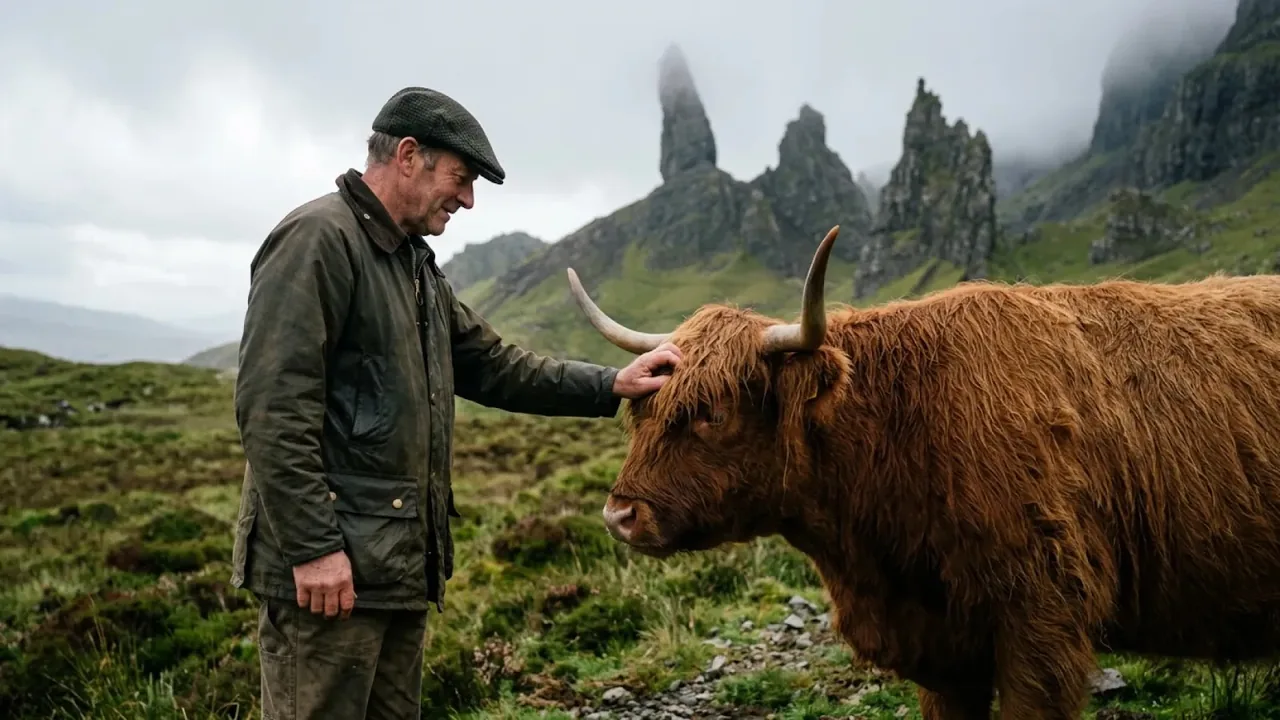
Nano Banana 2.1 scene of a man petting a Highland cow in a misty landscape

Better prompt adherence and panoramic frames

Nano Banana 2.1 follows detailed prompts more closely, so the people, animals, props and weather you describe all appear in the frame. Choose from 14 aspect ratios plus auto, including the panoramic 1:4, 4:1, 1:8 and 8:1. Google says Nano Banana 2.1 fixed tiling artifacts on these wide and tall frames at 2K and 4K.

  • Every requested element is more likely to appear where you asked.
  • Panoramic and tall banner ratios work for websites, signage and social formats.
  • Set a fixed ratio when you need an exact frame instead of auto.

Nano Banana 2.1 compared with Nano Banana 2 and Nano Banana Pro

All three are available in the workspace. Nano Banana 2.1 offers the newest improvements at the lowest credit cost.

Nano Banana 2.1Nano Banana 2Nano Banana Pro
PositionLatest high-efficiency modelPrevious high-efficiency modelPro-tier model
Credits at 1K51023
Credits at 2K81523
Credits at 4K122330
Reference imagesUp to 10Up to 10Up to 8
Aspect ratios14 plus auto14 plus auto10 plus auto
Panoramic 1:4, 4:1, 1:8, 8:1Yes, with tiling fixes at 2K and 4KYesNo
Default ratioAutoAuto1:1
Text to imageYesYesYes
Image editingYesYesYes
Upload formatJPEG, PNG or WEBP, up to 25 MB eachJPEG, PNG or WEBP, up to 25 MB eachJPEG, PNG or WEBP, up to 25 MB each
Best forFast, low-cost generation and editingExisting Nano Banana 2 projectsProjects already tuned for Nano Banana Pro

How to use Nano Banana 2.1

Three steps take you from a prompt or a photo to a finished Nano Banana 2.1 image.

  1. 1

    Write a prompt or upload images

    Describe the image you want, with any exact text in quotation marks. To edit or combine, switch to image to image and upload up to 10 pictures for Nano Banana 2.1 to work from.

  2. 2

    Pick resolution and ratio

    Choose 1K, 2K or 4K and an aspect ratio, or leave it on auto. The Nano Banana 2.1 credit cost for each resolution is shown before you generate.

  3. 3

    Generate, then refine

    Generate the image, then describe the next change in plain language. Nano Banana 2.1 is built for conversational editing, so small, clear steps give the most reliable results.

Nano Banana 2.1 frequently asked questions

What is Nano Banana 2.1?

Nano Banana 2.1 is Google's latest high-efficiency image generation and conversational editing model and an update to Nano Banana 2. It handles text to image and editing with up to 10 input images at 1K, 2K or 4K.

Can I try Nano Banana 2.1 for free?

Yes. New accounts receive free starter credits after a quick account check. At 5 credits per 1K image, that is a practical way to test Nano Banana 2.1 before buying more.

How many credits does Nano Banana 2.1 use?

Each Nano Banana 2.1 image costs 5 credits at 1K, 8 credits at 2K and 12 credits at 4K. Editing and text to image use the same rates.

How does Nano Banana 2.1 compare to Nano Banana Pro?

Google describes Nano Banana 2.1 as the more efficient counterpart to Nano Banana Pro. Nano Banana 2.1 accepts up to 10 input images and adds the 1:4, 4:1, 1:8 and 8:1 ratios, while Nano Banana Pro accepts up to 8 images and defaults to 1:1.

What is the difference between Nano Banana 2.1 and Nano Banana 2?

Both accept up to 10 input images, the same 14 aspect ratios plus auto and 1K, 2K or 4K output. Google lists improved realism, prompt adherence, multi-turn character consistency, text rendering and infographic layout accuracy in Nano Banana 2.1, plus fixes for tiling artifacts on panoramic ratios.

How many reference images does Nano Banana 2.1 accept?

The Nano Banana 2.1 workspace accepts up to 10 images per request, in JPEG, PNG or WEBP format and up to 25 MB each.

Does Nano Banana 2.1 support 4K and wide aspect ratios?

Yes. Nano Banana 2.1 offers 1K, 2K and 4K and 14 aspect ratios including 1:4, 4:1, 1:8 and 8:1, plus auto.

How do I get readable small text from Nano Banana 2.1?

Choose 2K or 4K when small labels matter, keep the text short and put exact words in quotation marks. Google notes that small text can look blurry at 1K and that long paragraphs are harder for the model.

Does Nano Banana 2.1 support mask editing?

No. Nano Banana 2.1 edits from your instructions rather than from a painted mask. Describe the area and the change in words, for example change the sign to blue and keep everything else.

What are the known limitations of Nano Banana 2.1?

Google notes that character consistency between input and output is not always perfect, an edit occasionally keeps the original pose, and left and right can be confused. Clear, step-by-step instructions help Nano Banana 2.1 most.

Why was my upload rejected?

Nano Banana 2.1 accepts up to 10 JPEG, PNG or WEBP images of up to 25 MB each. Files in other formats, larger files or more than 10 images are rejected with a message that explains why.

Create and edit faster with Nano Banana 2.1

Write a prompt or upload your photos, choose 1K, 2K or 4K and let Nano Banana 2.1 do the rest. Refine the result in plain language until it is ready to share.

Try Nano Banana 2.1 free