Text to image · Image edit · 1K, 2K and 4K

Flux 3 Klein for fast images and edits up to 4K

Flux 3 Klein is the image member of Black Forest Labs' FLUX 3 family that you can use here. It generates images from text, edits them from a plain-language instruction and combines several reference images into one. Choose 1K, 2K or 4K and one of nine frames; Flux 3 Klein costs 2, 4 or 9 credits per image, and the same price applies whether you write a prompt or edit with up to 10 references.

2 credits at 1K · 4 at 2K · 9 at 4K

Flux 3 Klein

Flux 3 Klein for fast images and edits up to 4K

Ideogram 4 Creative Generator

Updating credit quote…

1K images cost 2 credits, 2K cost 4 credits, and 4K cost 9 credits.

Available ratios follow the selected model.

89 / 5000
Cost 2 creditsRemaining 0 credits
Tasks & creations
Japanese skincare ad prompt preview

No works generated yet

Enter a prompt and your generated image will appear here.

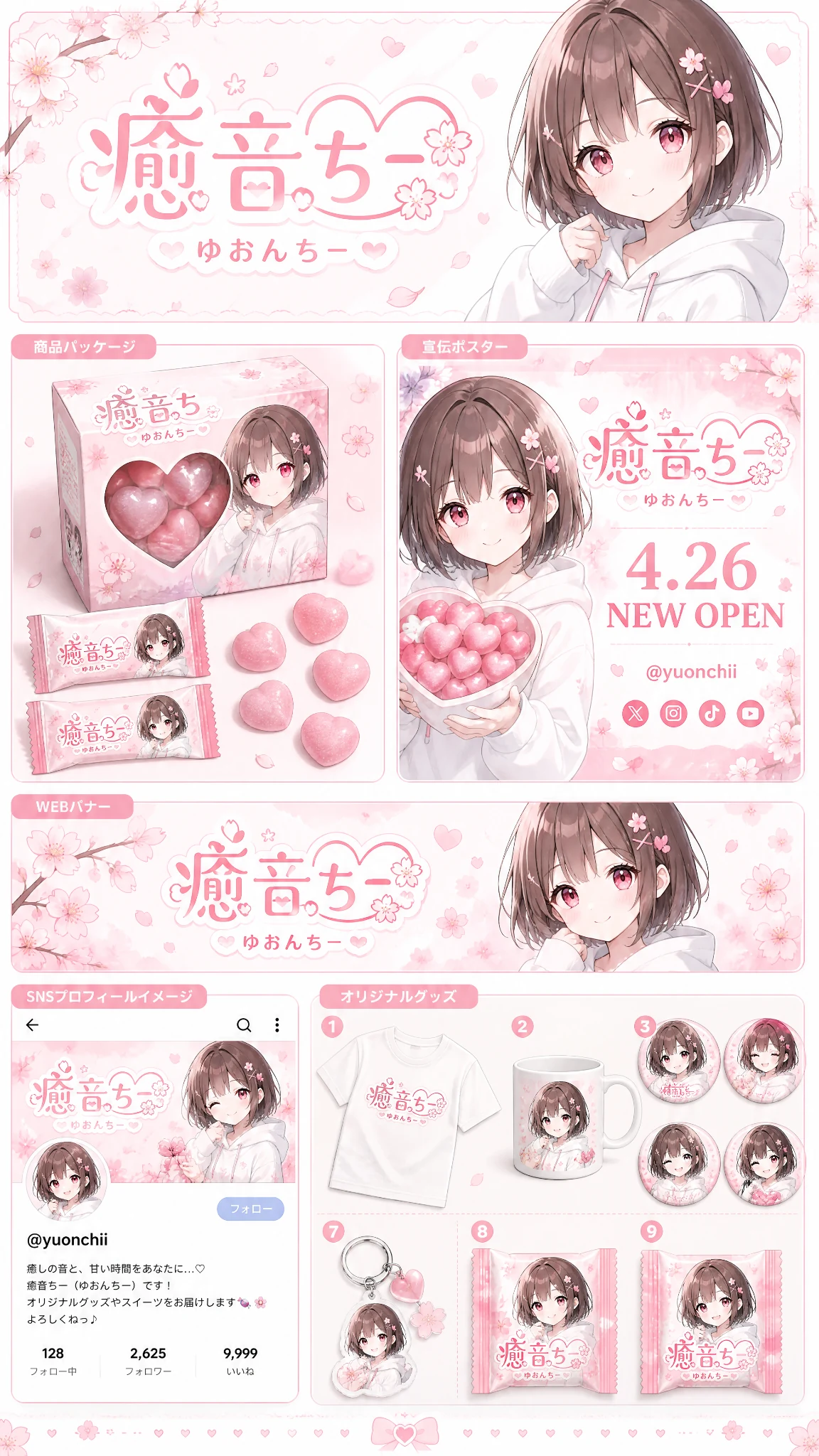
Anime brand identity prompt preview

No works generated yet

Enter a prompt and your generated image will appear here.

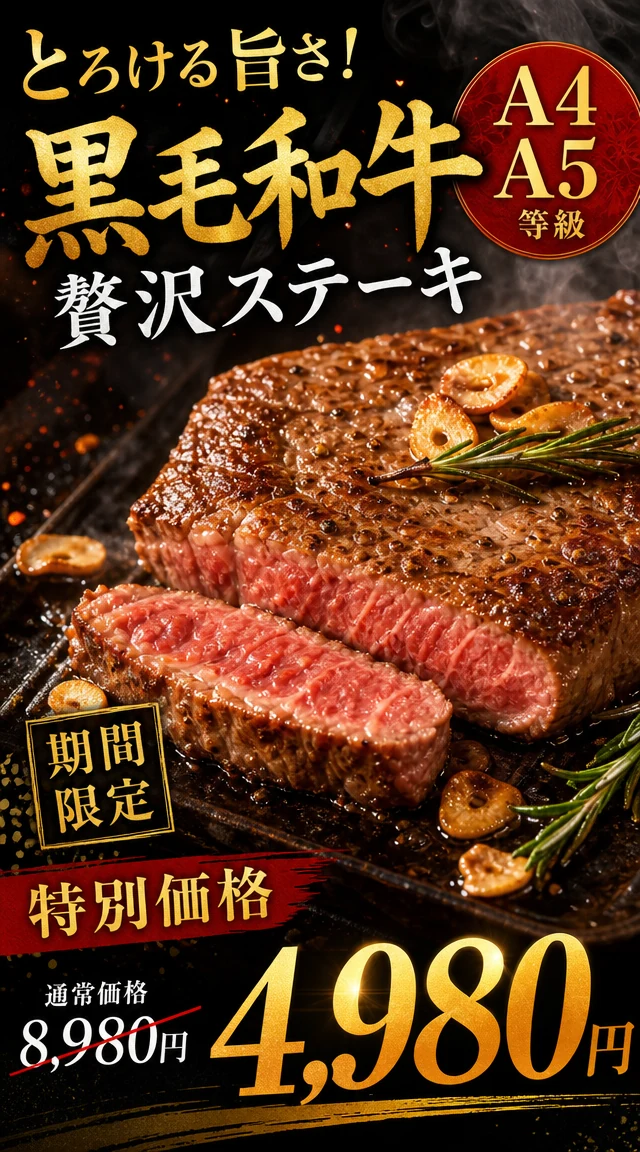
Japanese wagyu steak ad prompt preview

No works generated yet

Enter a prompt and your generated image will appear here.

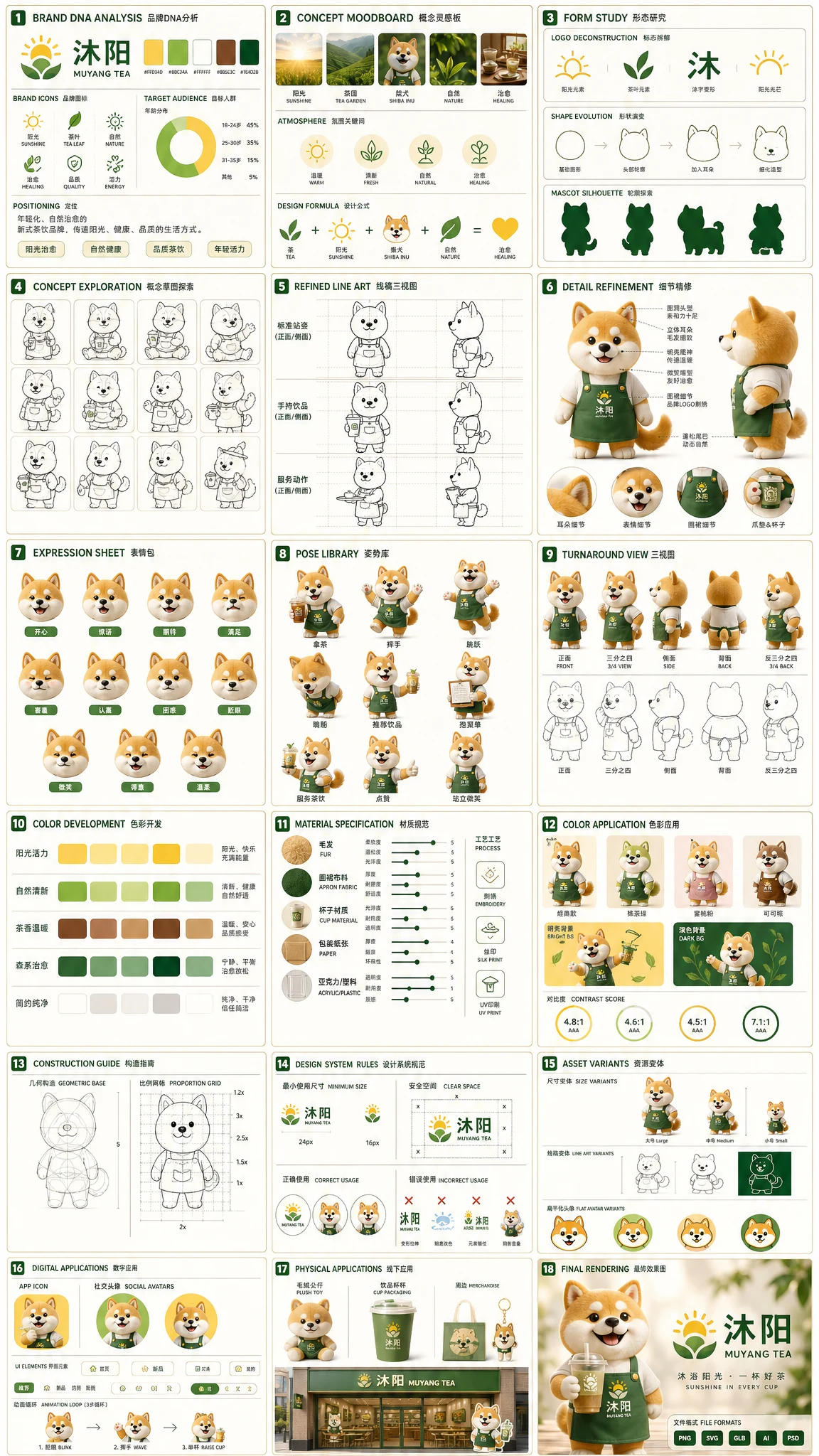
Tea brand mascot prompt preview

No works generated yet

Enter a prompt and your generated image will appear here.

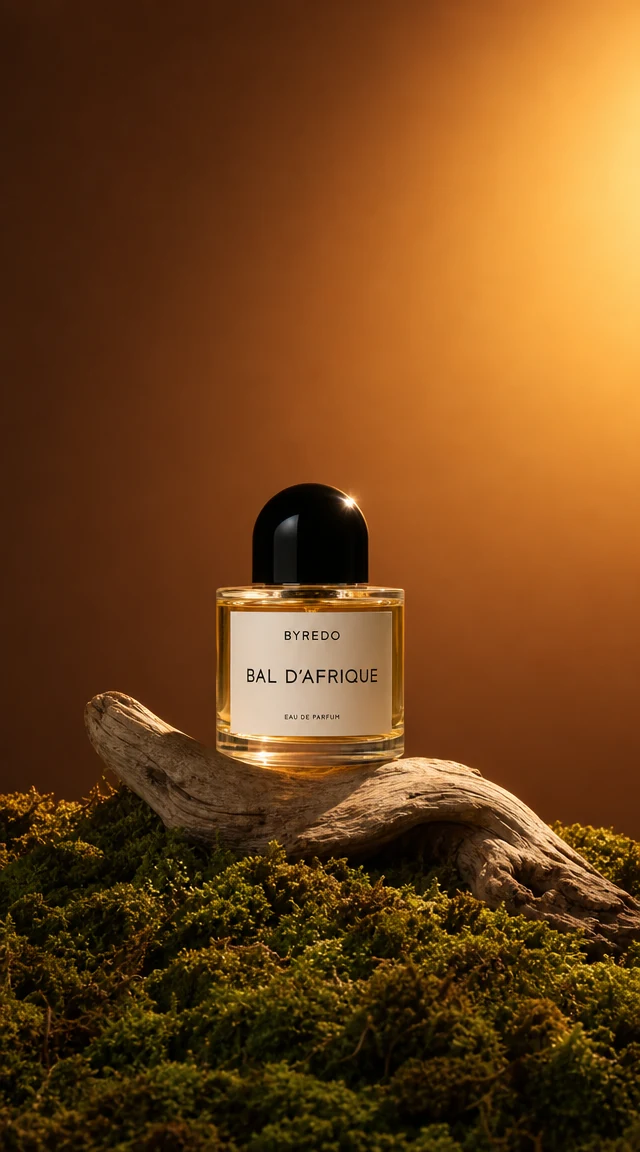
Luxury perfume prompt preview

No works generated yet

Enter a prompt and your generated image will appear here.

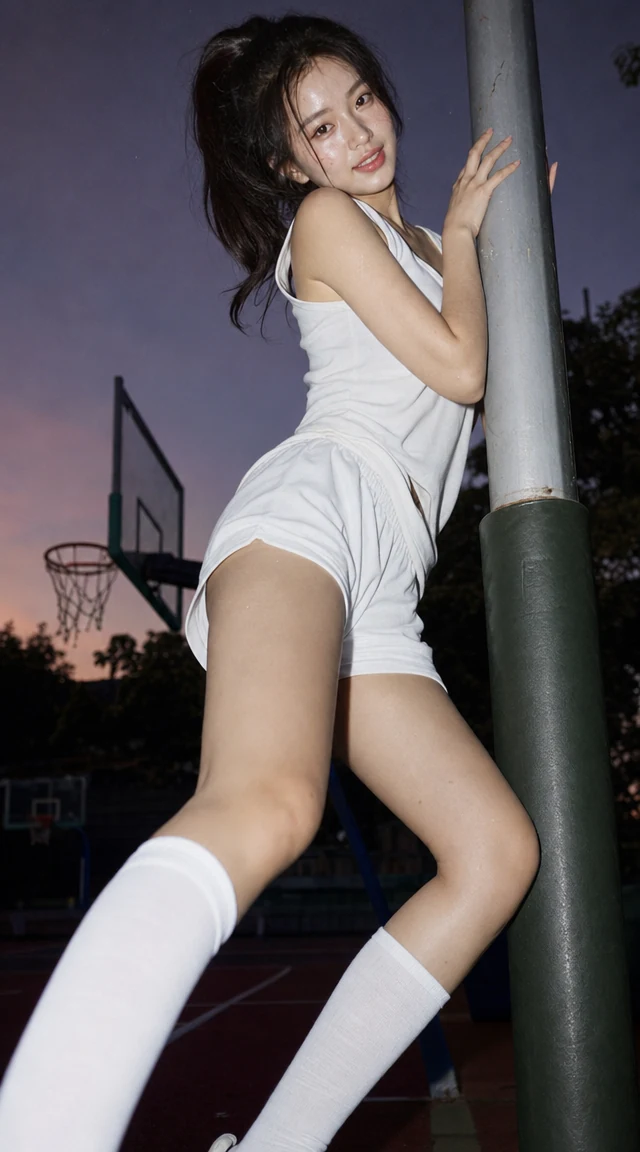
Basketball portrait prompt preview

No works generated yet

Enter a prompt and your generated image will appear here.

What Flux 3 Klein is built for

Black Forest Labs describes FLUX 3 as one multimodal family covering image, video, audio and action prediction. Flux 3 Klein is the compact image model of that family, and it is the version offered in this workspace. It handles everyday image work in one place: realistic photos, illustrations and 3D-style scenes from a prompt, images with readable text, and edits that change only what you ask. Because Flux 3 Klein is efficient, it suits fast iteration as well as final 4K output.

In the Flux 3 Klein workspace you can write a prompt in any language and generate a new image, or switch to image to image and upload 1 to 10 pictures. Describe the edit in plain words: what to change and what to keep. When you use several references, refer to them by their order, such as image 1 and image 2, so Flux 3 Klein knows which subject, product or background comes from where.

Resolution is the main choice. 1K is quick and inexpensive for drafts and social posts, 2K gives sharper detail for web pages and presentations, and 4K delivers large files for posters, print and big displays. Higher resolutions take a little longer. Nine aspect ratios, from square to the tall 9:21 and the cinematic 21:9, cover most layouts, and editing can also follow the frame of your first reference automatically.

Below you will find six strengths of Flux 3 Klein with examples from Black Forest Labs, a resolution comparison, a three-step guide and answers to common questions.

Six strengths of Flux 3 Klein

These images come from Black Forest Labs' own Flux 3 Klein model page and illustrate abilities you can use in the Flux 3 Klein workspace above.

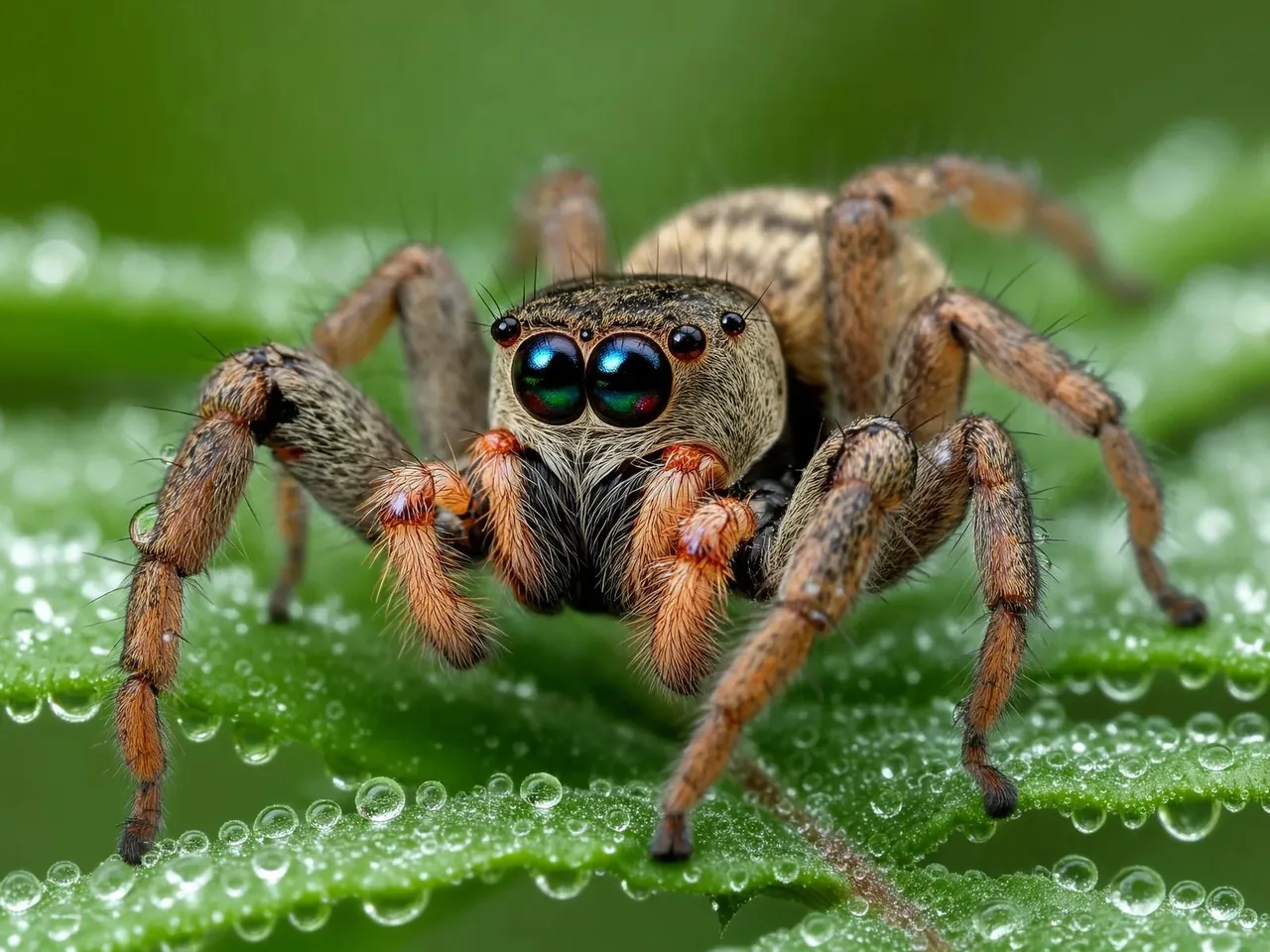
Flux 3 Klein macro photo of a jumping spider on a dewy fern

Photoreal detail

Flux 3 Klein renders photographic scenes with convincing light, texture and depth of field. A macro shot of a jumping spider on a dewy fern shows the kind of fine detail the model can hold: individual hairs, water drops and soft background blur. Ask Flux 3 Klein for a lens, a time of day and a mood, and it builds the photo around them.

  • Describe the lens, light and setting like a photographer would.
  • Fine textures such as hair, fabric and water stay crisp.
  • Choose 2K or 4K when the detail matters most.
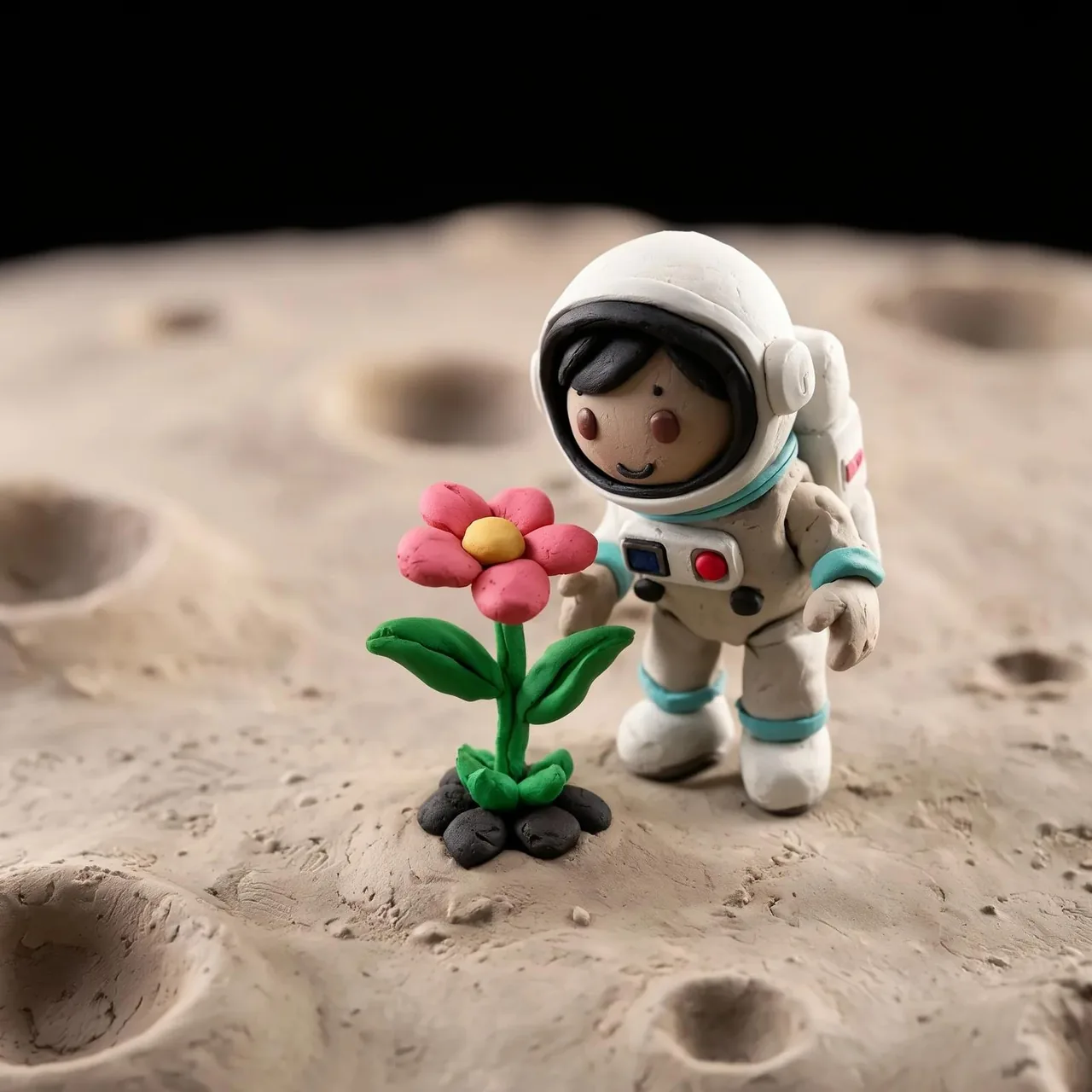
Flux 3 Klein claymation astronaut planting a flower on the moon

Any style, from claymation to illustration

Flux 3 Klein is not limited to photography. Claymation, 3D render, watercolor, flat illustration and vintage print styles all come from the prompt. A clay astronaut planting a flower on the moon is a good example of how Flux 3 Klein keeps a playful style consistent across the character, the props and the background.

  • Name the medium, such as claymation, watercolor or 3D render.
  • Characters, props and backgrounds share one consistent look.
  • Mix a style with a realistic subject for a distinctive result.
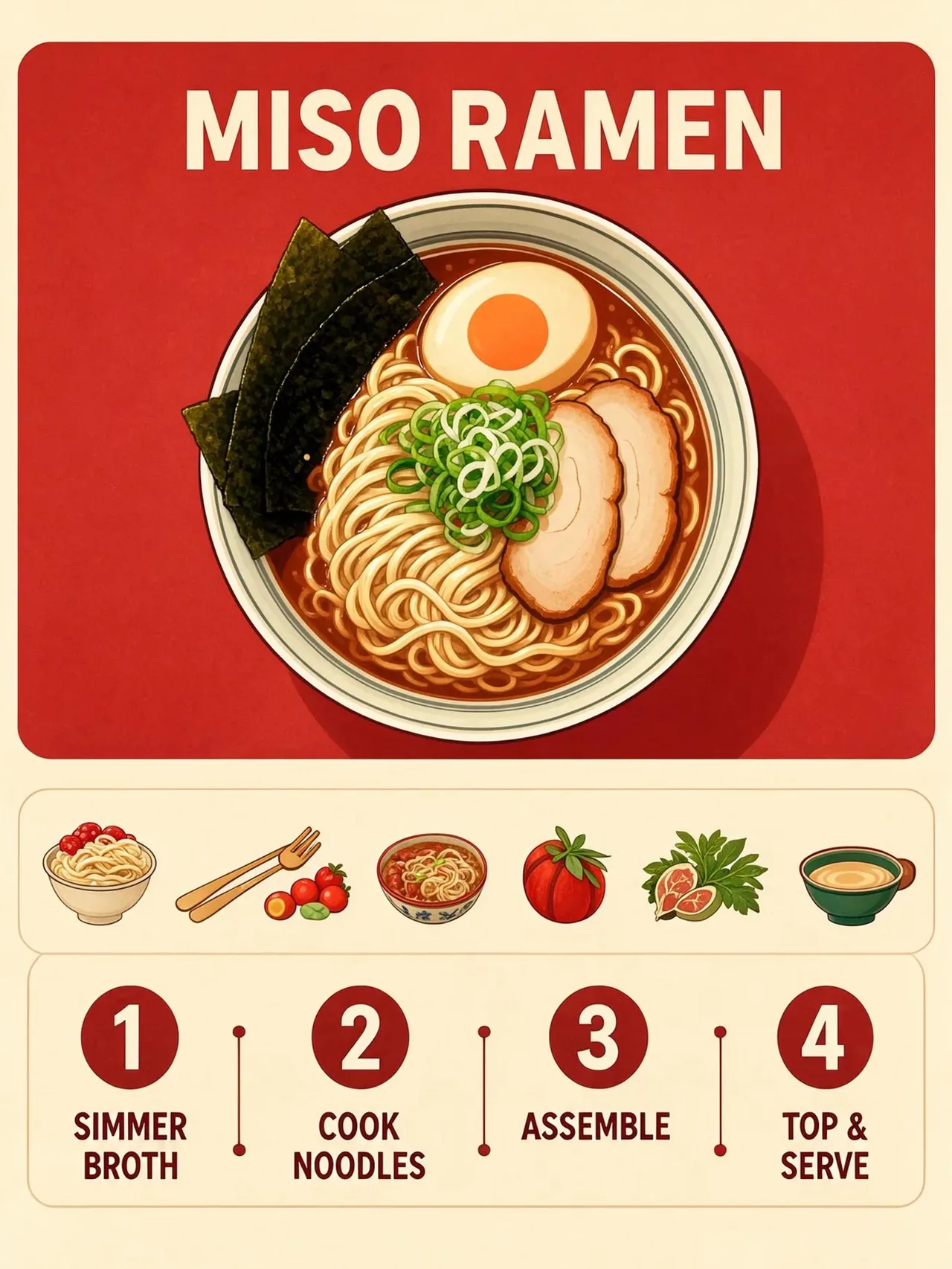
Flux 3 Klein miso ramen recipe infographic in four steps

Readable text and step-by-step graphics

Flux 3 Klein can place readable text inside images, from a shop sign to a recipe card. A miso ramen infographic in four steps shows how titles, numbered steps and small illustrations can sit together in one clean layout. Put the exact words in quotation marks and Flux 3 Klein treats them as text to write, not as a description.

  • Quoted words are rendered as lettering in the image.
  • Recipe cards, how-to guides and signs fit a clear layout.
  • Use 2K or 4K for small text that must stay sharp.
Flux 3 Klein edit turning a summer street with a van into winter

Edit with plain words and up to 10 references

Upload a photo and tell Flux 3 Klein what to change and what to keep. Turning a summer street into a snowy winter scene while the van stays the same is a typical edit. You can also upload up to 10 reference images and ask Flux 3 Klein to combine them, for example placing a mascot from image 1 into the landscape from image 2.

  • Say what to change and what must stay exactly the same.
  • Refer to uploads as image 1, image 2 and so on.
  • The price is the same with 1 or 10 references.
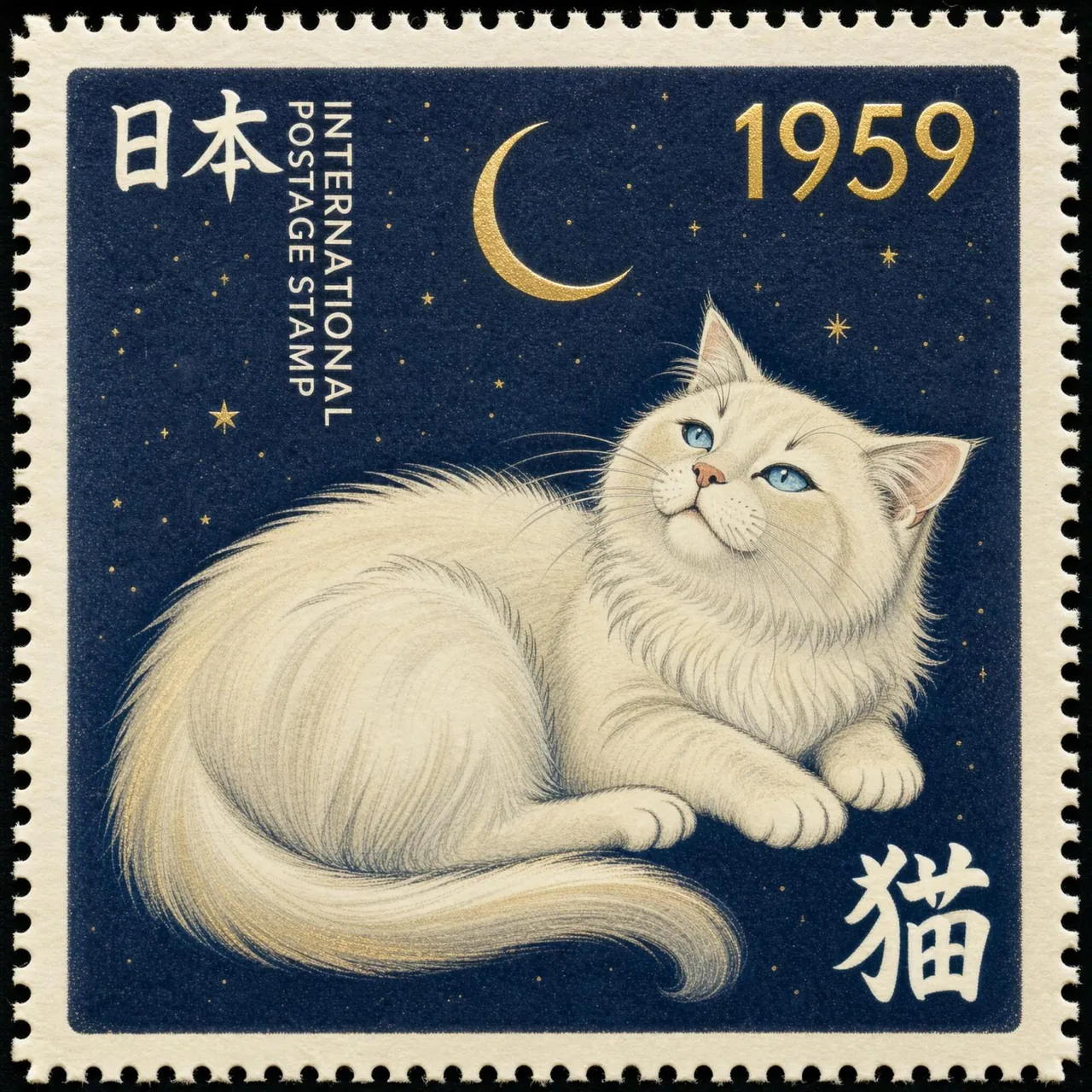
Flux 3 Klein navy postage stamp with a white cat and Japanese lettering

Prompts and lettering in many languages

You can write prompts for Flux 3 Klein in any language, and the model can render lettering in different scripts. A navy postage stamp with a long-haired cat and the word 日本 shows how non-Latin text can become part of a design. This helps teams who create visuals for several markets with Flux 3 Klein.

  • Write the prompt in the language you think in.
  • Put the exact lettering in quotation marks, in any script.
  • Stamps, labels and posters can carry localized text.
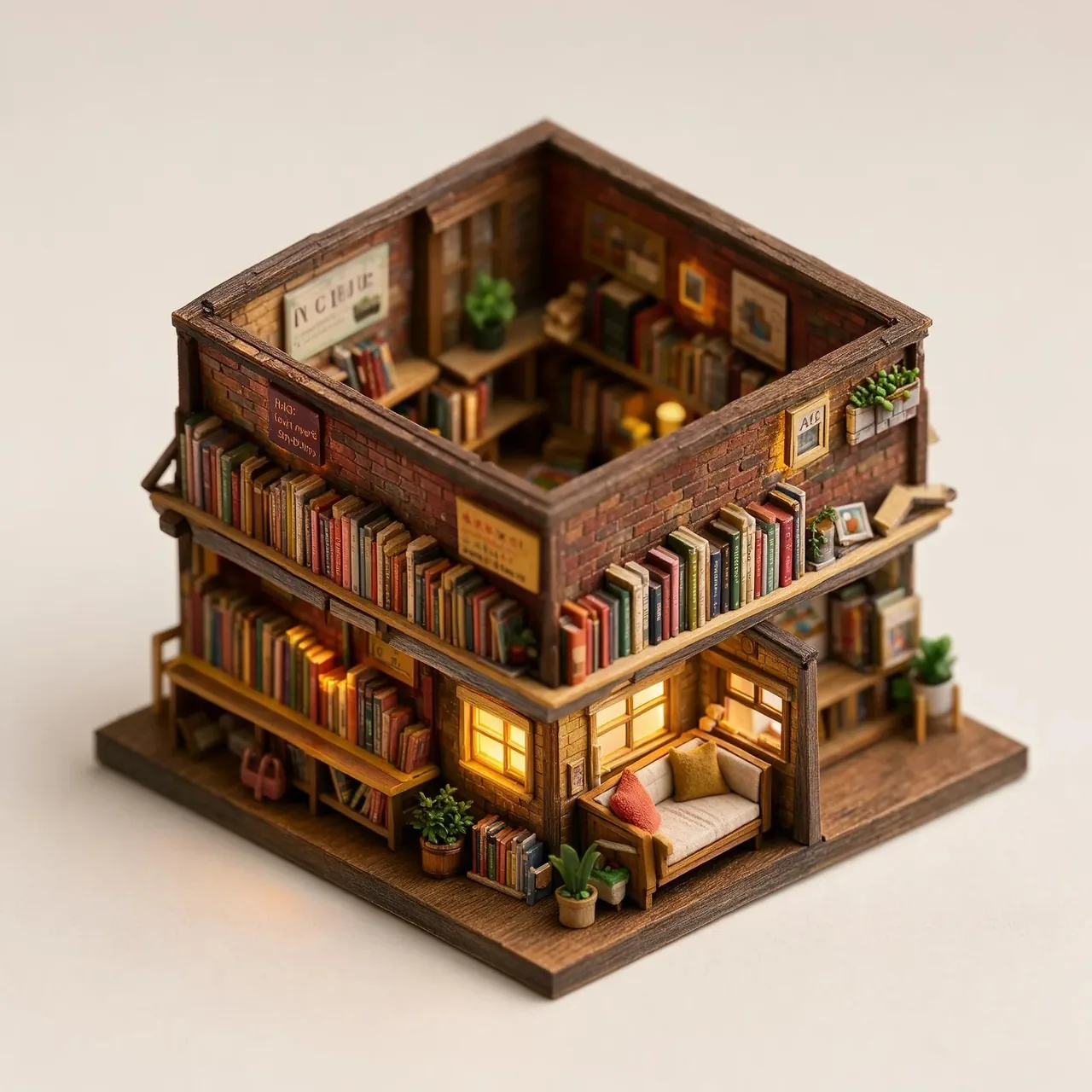
Flux 3 Klein isometric diorama of a tiny two-storey bookshop

Sharp 4K output in nine frames

Flux 3 Klein offers 1K, 2K and 4K output with nine aspect ratios: 1:1, 4:3, 3:4, 3:2, 2:3, 16:9, 9:16, 21:9 and 9:21. An isometric diorama of a tiny bookshop shows how much small detail fits into a single frame. Start at 1K to explore the idea, then render the chosen version with Flux 3 Klein at 4K.

  • Nine frames for feeds, stories, banners and print.
  • Editing can follow the frame of your first reference with auto.
  • Explore at 1K for 2 credits, finish at 4K for 9 credits.

Flux 3 Klein resolutions compared

All Flux 3 Klein features are available at every resolution. The choice changes detail, speed and credits.

1K2K4K
Credits per image249
Text to imageYesYesYes
Image editYesYesYes
Reference imagesUp to 10Up to 10Up to 10
Price with more referencesSameSameSame
Aspect ratiosNine presetsNine presetsNine presets
Follow first reference frameAuto when editingAuto when editingAuto when editing
Approximate long sideAbout 1,000 pxAbout 2,000 pxAbout 4,000 px
SpeedFastestBalancedSlowest
Small textGood for short wordsSharperSharpest
Upload formatJPEG, PNG or WEBP up to 25 MBJPEG, PNG or WEBP up to 25 MBJPEG, PNG or WEBP up to 25 MB
Best forDrafts and social postsWeb pages and presentationsPosters, print and large displays

How to use Flux 3 Klein

Three steps take you from an idea to a finished Flux 3 Klein image.

  1. 1

    Write or upload

    Describe the image in any language and put exact text in quotation marks. To edit, switch to image to image and upload 1 to 10 pictures for Flux 3 Klein.

  2. 2

    Choose resolution and frame

    Pick 1K, 2K or 4K and one of nine aspect ratios, or auto when editing. Flux 3 Klein costs 2, 4 or 9 credits, shown before you generate.

  3. 3

    Generate and refine

    Review the result and describe the next change. Explore at 1K, then render your favorite Flux 3 Klein version at 4K for the final file.

Flux 3 Klein frequently asked questions

What is Flux 3 Klein?

Flux 3 Klein is the compact image model of Black Forest Labs' FLUX 3 family. It generates images from text, edits images from an instruction and combines several reference images into one.

Is this the full FLUX 3 family?

No. This workspace offers Flux 3 Klein for text to image and image editing. Other FLUX 3 members, such as video or the larger image models, are not part of this page.

Can I try Flux 3 Klein for free?

Yes. New accounts receive free starter credits after a quick account check. At 2 credits per 1K image, that is enough to try Flux 3 Klein many times.

How many credits does Flux 3 Klein use?

Flux 3 Klein costs 2 credits at 1K, 4 credits at 2K and 9 credits at 4K, for both text to image and editing.

Can Flux 3 Klein edit my photos?

Yes. Upload a photo, describe what to change and what to keep, and Flux 3 Klein returns the edited image.

How many reference images can I use?

Flux 3 Klein accepts 1 to 10 reference images per edit. Refer to them by order, such as image 1 and image 2, in your prompt. More references do not change the price.

Which aspect ratios are available?

Flux 3 Klein offers 1:1, 4:3, 3:4, 3:2, 2:3, 16:9, 9:16, 21:9 and 9:21. When editing, auto follows the frame of your first reference image.

Can Flux 3 Klein write text in images?

Yes. Put the exact words in quotation marks. For small or dense text, choose 2K or 4K so Flux 3 Klein can keep the letters sharp.

Can I write prompts in other languages?

Yes. Flux 3 Klein accepts prompts in any language and can render lettering in different scripts.

Can I use Flux 3 Klein images commercially?

Commercial use depends on your plan, the references you upload and the rights attached to your prompts and assets. Check that you may use any brands or people that appear.

Why was my upload rejected?

Flux 3 Klein accepts 1 to 10 JPEG, PNG or WEBP images of up to 25 MB each. Other formats, larger files or more than 10 images are rejected with a message that explains why.

Start creating with Flux 3 Klein

Write a prompt or upload your references, choose a resolution and a frame, and let Flux 3 Klein deliver a sharp image. Explore at 1K and finish at 4K when you are ready.

Try Flux 3 Klein free